7
3. Maintenance instructions
.
Changing oil
4. Replace the oil filter, see "Replacing the oil filter" sivulla 7.
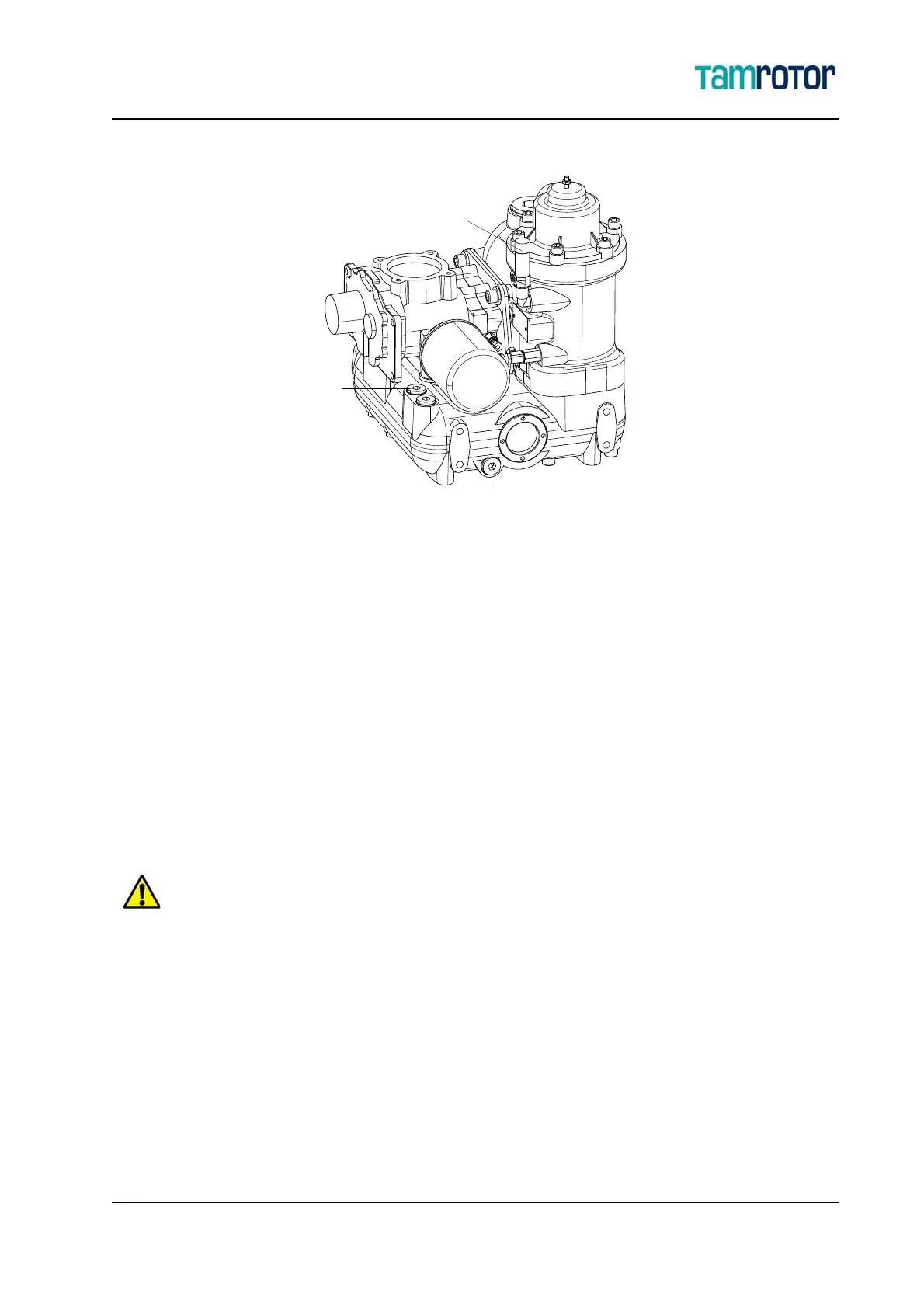
5. Add new oil and close the oil filling plug (1).
6. Close the pressure relief valve (2) and open the network shut-off valve.
7. (Start the compressor and let it run for 5 minutes. Stop the compressor and wait for awhile so
that oil settles and the pressure drops. Add new oil again. Repeat this two times.
3.4 Replacing the oil filter
3.4.1 Removing the oil filter
1. See "Before maintenance" sivulla 5 for precautions.
2. The oil filter is installed on the air end. Use a protective cloth, as some oil will drain out when
the filter is removed.
3. Remove the filter by rotating it counterclockwise.
Allow the compressor to cool down before replacing the oil separator.
Dispose the used oil filter in accordance with local hazardous waste regulations.
Only use original Gardner Denver spare parts. The use of other spare parts may cause compressor damage.
1
2
3



 To Next Page