8
3. Maintenance instructions
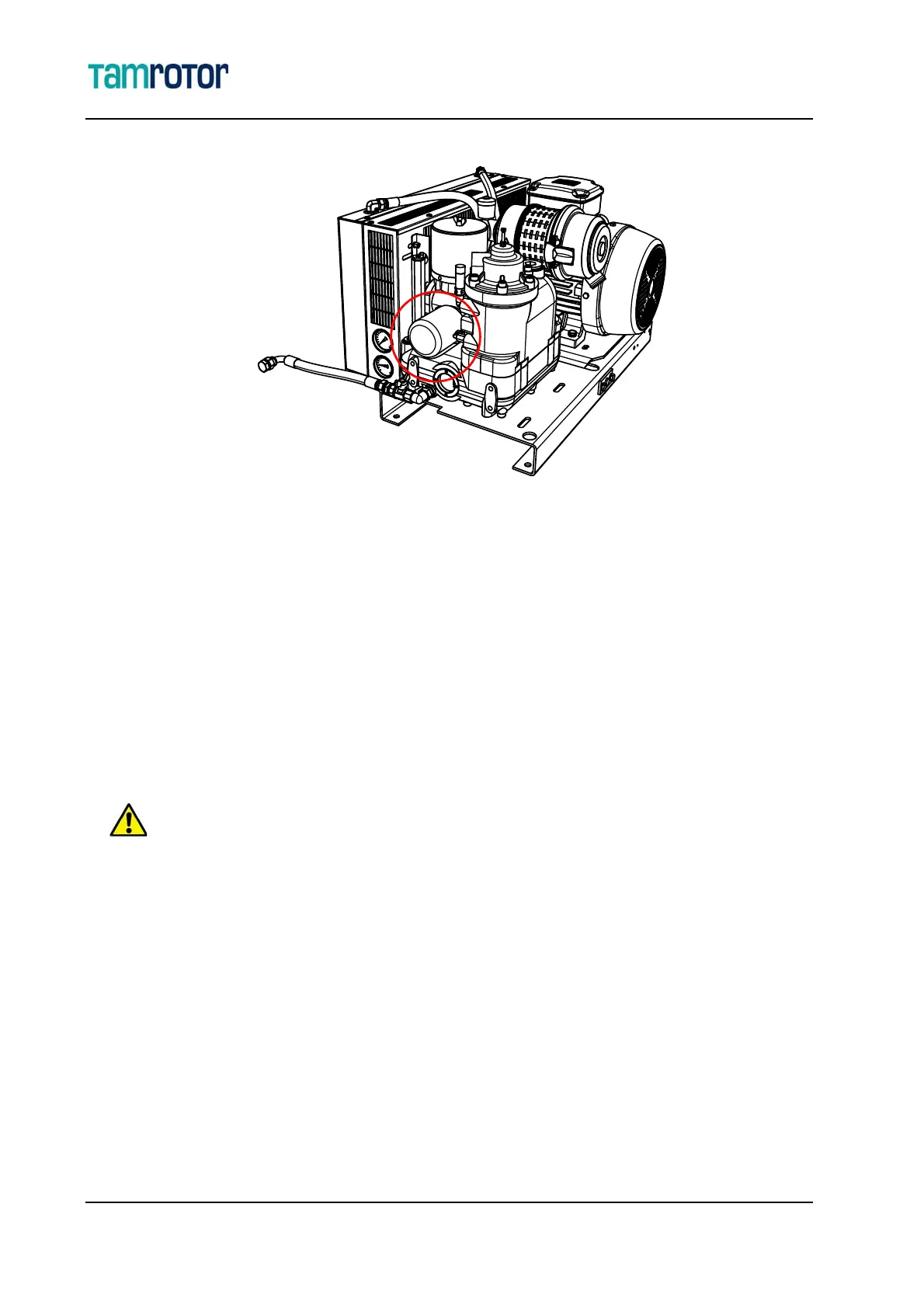
Replacing the oil filter
3.4.2 Installing the oil filter
1. Lubricate the oil filter sealing ring with clean oil.
2. Install the filter by tightening it up clockwise by hand.
3.5 Replacing the air filter
1. See "Before maintenance" sivulla 5 for precautions.
2. Remove the air filter cover (3) and the old filter (2).
3. Clean the air filter housing (1).
4. Install the new air filter (2) and its cover (3) back to their places.
The air filter cannot be cleaned or reused.
Remove the filter with caution. Make sure that particles do not get into the inlet air channel.
Use only original Gardner Denver spare parts. The use of other spare parts may cause compressor damage.
23000385



 To Next Page