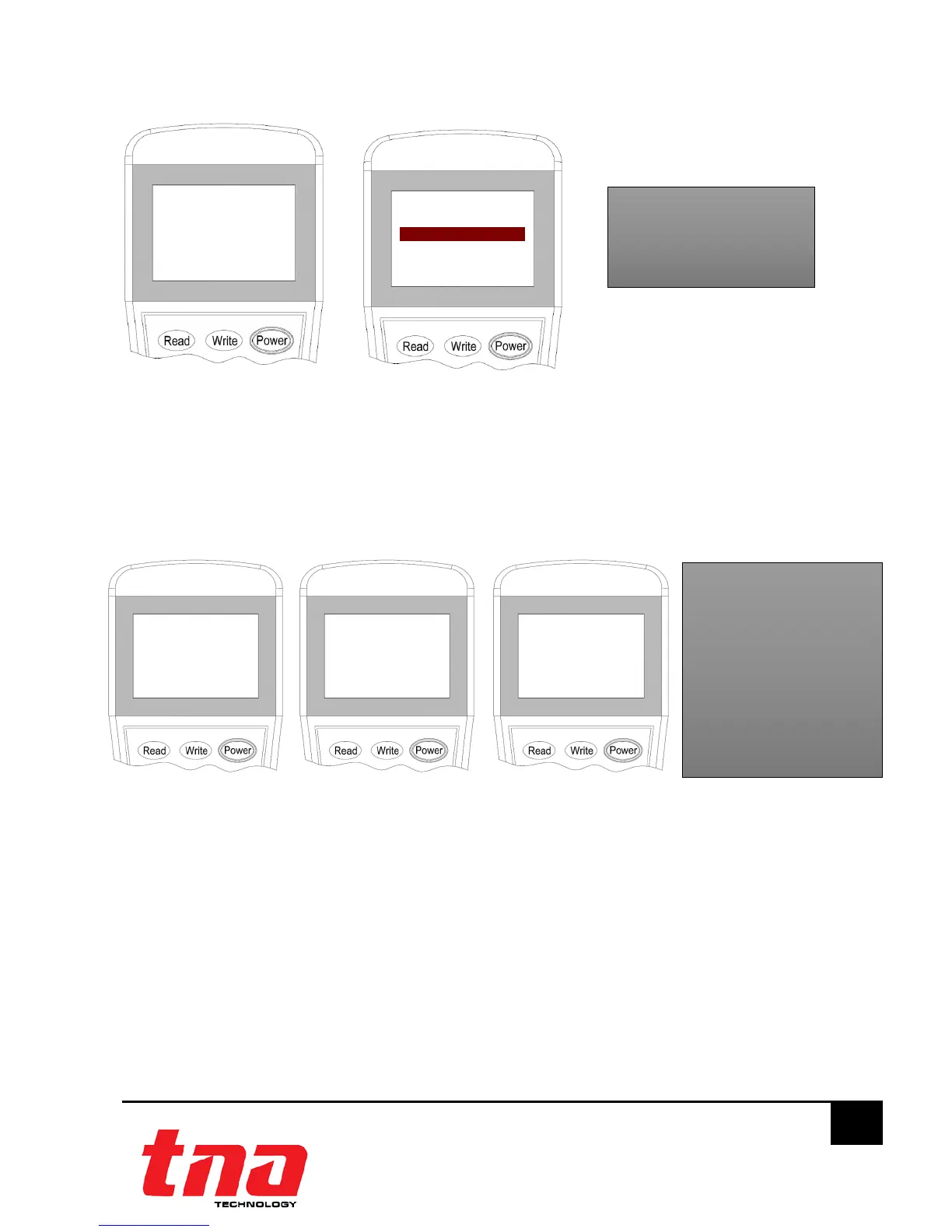
3.6 Read Configuration
1. Connect the programming cable to Z1 and Z2 terminals (Figure 6). Press “Power” to switch-on
the unit.
2. Switch-on the programmer, then press button “Read” or “1” to enter to Read mode (Figure
16). The programmer will display the configuration after few seconds. (Figure 17).
3. Press “Exit” key to go back Main Menu. Press “Power” key to switch off the programmer.
4 General Maintenance
1. Inform the suitable personnel before conducting the maintenance.
2. Disable the interface module on the control panel to prevent false alarm.
3. Do not attempt to repair the circuitry of the interface module, it may affect the operation to
respond to a fire condition and will void the manufacturer’s warranty.
4. Use a damp cloth to clean the surface.
5. Notify again proper personnel after conducting the maintenance and make sure to enable
the interface module and confirm if up and running.
6. Perform the maintenance on semi-annually or depending on the site conditions.
1. Read
2. Write T
3. R/W Config 7
4. Set
Address: 001
External
Input Check
-˃
˂-
Parameter Description
Address: Unique number
assigned
1Y Self-Feedback Mode
2N External-Feedback Mode
(Default)
3Y Enable Input Check Mode
4N Disable Input Check Mode
(Default)
5Y Enable Output Check Mode



 To Next Page