3.3 Feedback Mode
1. Feedback mode has two types, SELF and EXTERNAL. Under SELF-feedback mode, once the
interface module received active command from the panel, the module automatically send
feedback signal to the control panel, alongside the Feedback LED indicator goes turn-on.
While the External-feedback mode will do similar action when the interface module detect
feedback signal from Input terminal. Default setting is External-feedback mode.
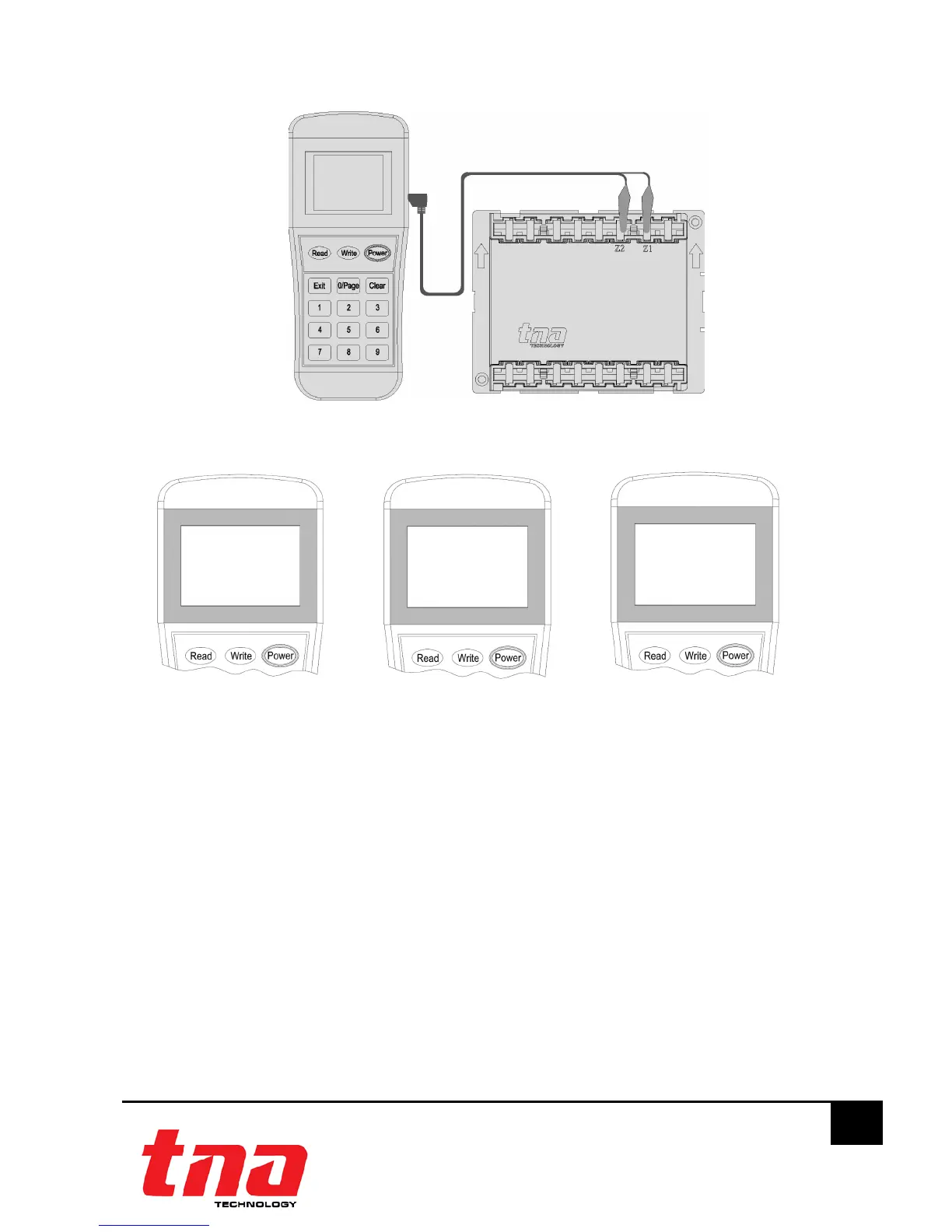
2. Connect the programming cable to Z1 and Z2 terminals (Figure 6). Press “Power” to switch-on
the unit.
3. Switch-on the programmer, then press button “3” to enter to Configuration mode (Figure 10).
4. Input the “1” for Self-feedback mode or “2” for External-feedback mode then press “Write” to
change the setting (Figure 11).
Note:
If display “Success”, means the entered mode is confirmed. If display “Fail”, means
failure to program the mode.
5. Press “Exit” key to go back Main Menu. Press “Power” to switch off the programmer.
1. Read
2. Write T



 To Next Page