EasyManua.ls Logo

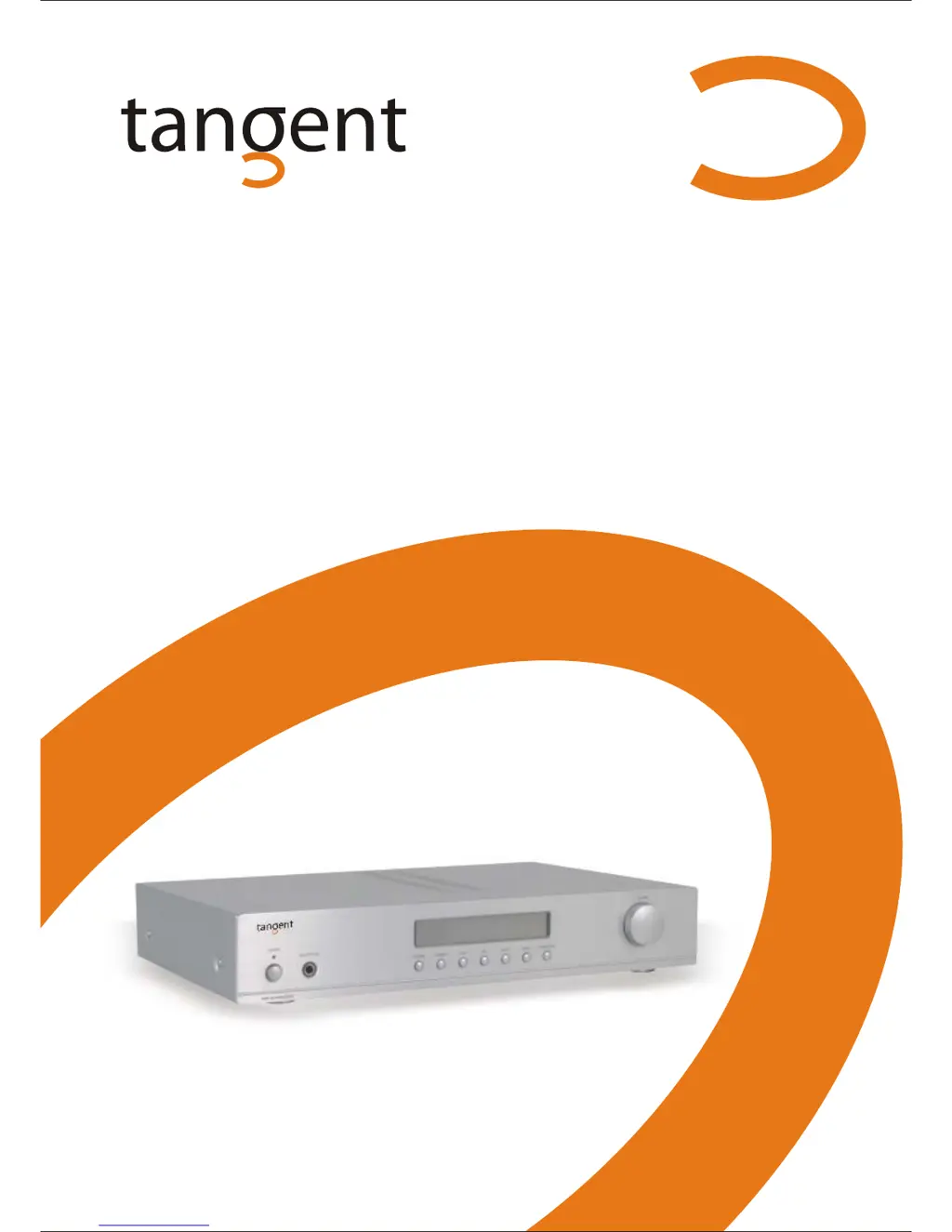
Tangent AMP-50 - User Manual

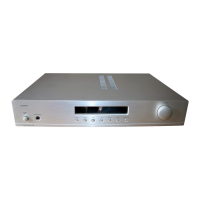
Tangent AMP-50
20 pages
Print Icon
To Next Page IconTo Next Page
Loading...
Operation Manual
AMP-50
Integrated Amplifier

Questions and Answers

Summary

Accessories

Safety Precautions

Minimize Risk of Fire or Electrical Shock

Warning about exposing the unit to rain/moisture and opening the cabinet.

Power Cord Replacement Caution

Caution regarding replacement of the power cord plug and socket insertion.

Important Safety Instructions - Part 1

Read the Manual

Instructions to read the manual carefully upon unpacking the unit.

Power Supply

Use only the power supply indicated on the rating plate.

Earthing or Polarisation

Ensure the plug fits the socket properly; do not use if it does not fit.

Ventilation

Do not block ventilation openings to prevent overheating.

Heat

Do not place the unit near sources of heat.

Water and Moisture

Keep the unit away from water, damp places, or swimming pools.

Cleaning

Unplug the unit before cleaning; use a dry cloth.

Power Cords

Organize power cords to prevent damage and tripping hazards.

Overloading

Do not overload wall sockets or extension cords.

Important Safety Instructions - Part 2

Lightning Protection

Unplug the unit during thunder or prolonged periods of non-use.

Object and Liquid Penetration

Do not insert objects or spill liquid into the unit.

Handling Accessories

Do not place the unit on unstable surfaces.

Load Handling

Do not place heavy loads or step on the unit.

Damage and Service

Contact qualified technicians for damaged units or repairs.

Spare Parts

Use only manufacturer-specified spare parts for repairs.

Safety Check

Request a safety check after service or repairs.

Important Information

Handling Instructions

Unit may become warm during prolonged use; turn off when not in use.

Power Cord Protection

Follow instructions to prevent electrical shock, fire, or injury.

Condensation

Allow unit to adapt to temperature changes to avoid condensation issues.

Positioning

Avoid placing unit in direct sunlight, near heat, or in dirty/humid places.

Finger and Object Safety

Do not insert fingers or objects into the unit; do not open the cabinet.

Interference

Move amplifier away from TVs/radios to prevent signal interference.

Connection

Connection to the Mains

Connect the unit to the mains power supply correctly and safely.

Remote Control - Part 1

Installation of Batteries

Instructions for inserting batteries into the remote control.

Using the Remote Control

Direct the remote at the amplifier's sensor within a 6-meter range.

Remote Control - Part 2

Remote Control Functions

Detailed explanation of buttons and their functions for DAB-50, CDP-50, and AMP-50.

Front Panel and Connections - Part 1

Front Panel Overview

Description of the amplifier's front panel controls and inputs.

Front Panel and Connections - Part 2

Rear Panel Connections

Description of the amplifier's rear panel input and output connectors.

Connection - Part 2

Audio Connection Layout

Diagram showing how to connect various audio sources and speakers.

Operation and Functions - Part 1

On, Off and Standby

How to turn the amplifier on, off, and put it into standby mode.

Selecting the Input Source

How to choose between different input sources like Tuner, CD, DVD, etc.

Operation and Functions - Part 2

Using the Function Menu

Overview of the function menu for adjusting volume, bass, treble, balance, and loudness.

Volume Control

How to adjust the master volume using buttons or the control knob.

Operation and Functions - Part 3

Bass Control

How to adjust the bass level using the remote or front panel controls.

Treble Control

How to adjust the treble level using the remote or front panel controls.

Operation and Functions - Part 4

Balance Control

How to adjust the speaker balance using the front panel control.

Loudness Function

How to activate the loudness function for low-frequency boost at low volumes.

Troubleshooting

Technical Data

Phono Input Specifications

Details on input impedance and sensitivity for the phono input.

Line Level Input Specifications

Details on input impedance and sensitivity for line level inputs.

Line Level Output Specifications

Details on output impedance for line out and headphones.

Maximum Output Level

Specifies the maximum output voltage for line out and headphones.

Tone Control Range

Specifies the adjustment range for treble and bass controls.

Output Power Rating

Details the amplifier's output power at different impedances.

Frequency Response

Specifies the amplifier's frequency response range.

Distortion Level

Indicates the total harmonic distortion percentage.

Signal-to-Noise Ratio

Specifies the signal-to-noise ratio.

Voltage and Power Consumption

Information on operating voltage and power usage.

Dimensions and Weight

Physical dimensions and weight of the amplifier.

Summary

Accessories

Safety Precautions

Minimize Risk of Fire or Electrical Shock

Warning about exposing the unit to rain/moisture and opening the cabinet.

Power Cord Replacement Caution

Caution regarding replacement of the power cord plug and socket insertion.

Important Safety Instructions - Part 1

Read the Manual

Instructions to read the manual carefully upon unpacking the unit.

Power Supply

Use only the power supply indicated on the rating plate.

Earthing or Polarisation

Ensure the plug fits the socket properly; do not use if it does not fit.

Ventilation

Do not block ventilation openings to prevent overheating.

Heat

Do not place the unit near sources of heat.

Water and Moisture

Keep the unit away from water, damp places, or swimming pools.

Cleaning

Unplug the unit before cleaning; use a dry cloth.

Power Cords

Organize power cords to prevent damage and tripping hazards.

Overloading

Do not overload wall sockets or extension cords.

Important Safety Instructions - Part 2

Lightning Protection

Unplug the unit during thunder or prolonged periods of non-use.

Object and Liquid Penetration

Do not insert objects or spill liquid into the unit.

Handling Accessories

Do not place the unit on unstable surfaces.

Load Handling

Do not place heavy loads or step on the unit.

Damage and Service

Contact qualified technicians for damaged units or repairs.

Spare Parts

Use only manufacturer-specified spare parts for repairs.

Safety Check

Request a safety check after service or repairs.

Important Information

Handling Instructions

Unit may become warm during prolonged use; turn off when not in use.

Power Cord Protection

Follow instructions to prevent electrical shock, fire, or injury.

Condensation

Allow unit to adapt to temperature changes to avoid condensation issues.

Positioning

Avoid placing unit in direct sunlight, near heat, or in dirty/humid places.

Finger and Object Safety

Do not insert fingers or objects into the unit; do not open the cabinet.

Interference

Move amplifier away from TVs/radios to prevent signal interference.

Connection

Connection to the Mains

Connect the unit to the mains power supply correctly and safely.

Remote Control - Part 1

Installation of Batteries

Instructions for inserting batteries into the remote control.

Using the Remote Control

Direct the remote at the amplifier's sensor within a 6-meter range.

Remote Control - Part 2

Remote Control Functions

Detailed explanation of buttons and their functions for DAB-50, CDP-50, and AMP-50.

Front Panel and Connections - Part 1

Front Panel Overview

Description of the amplifier's front panel controls and inputs.

Front Panel and Connections - Part 2

Rear Panel Connections

Description of the amplifier's rear panel input and output connectors.

Connection - Part 2

Audio Connection Layout

Diagram showing how to connect various audio sources and speakers.

Operation and Functions - Part 1

On, Off and Standby

How to turn the amplifier on, off, and put it into standby mode.

Selecting the Input Source

How to choose between different input sources like Tuner, CD, DVD, etc.

Operation and Functions - Part 2

Using the Function Menu

Overview of the function menu for adjusting volume, bass, treble, balance, and loudness.

Volume Control

How to adjust the master volume using buttons or the control knob.

Operation and Functions - Part 3

Bass Control

How to adjust the bass level using the remote or front panel controls.

Treble Control

How to adjust the treble level using the remote or front panel controls.

Operation and Functions - Part 4

Balance Control

How to adjust the speaker balance using the front panel control.

Loudness Function

How to activate the loudness function for low-frequency boost at low volumes.

Troubleshooting

Technical Data

Phono Input Specifications

Details on input impedance and sensitivity for the phono input.

Line Level Input Specifications

Details on input impedance and sensitivity for line level inputs.

Line Level Output Specifications

Details on output impedance for line out and headphones.

Maximum Output Level

Specifies the maximum output voltage for line out and headphones.

Tone Control Range

Specifies the adjustment range for treble and bass controls.

Output Power Rating

Details the amplifier's output power at different impedances.

Frequency Response

Specifies the amplifier's frequency response range.

Distortion Level

Indicates the total harmonic distortion percentage.

Signal-to-Noise Ratio

Specifies the signal-to-noise ratio.

Voltage and Power Consumption

Information on operating voltage and power usage.

Dimensions and Weight

Physical dimensions and weight of the amplifier.

Tangent AMP-50 Specifications

General IconGeneral
BrandTangent
ModelAMP-50
CategoryAmplifier
LanguageEnglish

Related product manuals