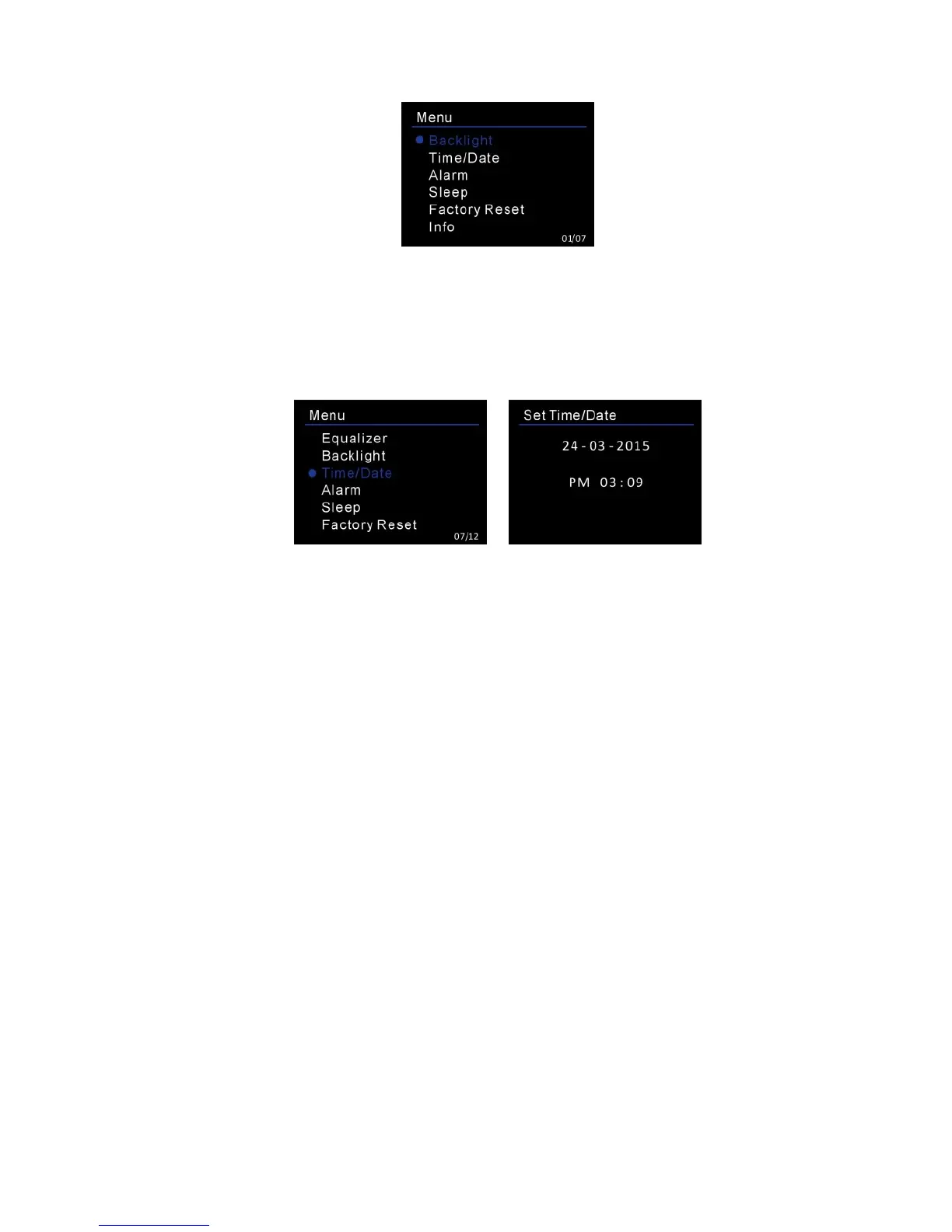
Backlight
Select illuminated level of backlight (High/Medium/Low) and the duration of timeout
(On/10/20/30/45/60/90/120/180 sec). With setting the timeout, the backlight will
automatically change to dim if the device is not accessed for operation at the setting
time.
Setting Time/Date
Set Time/Date: The Day digits will first flash and ready for setting. Rotate the
<TUNING /SELECT> control to adjust the day and press the < TUNING /SELECT> control
to confirm. The Month digits will then flash and ready for setting. Rotate the < TUNING
/SELECT> control to adjust the month and press < TUNING /SELECT> control to confirm.
The Year digits will then flash and ready for setting. Rotate the < TUNING /SELECT>
control to adjust the year and then press the < TUNING /SELECT> control to end the
date setting. Time setting will then start.
The Hour digits will first flash and ready for setting.Rotate the < TUNING /SELECT>
control to set the Hour and press the < TUNING /SELECT> control to confirm, the Minute
digits will then flash and ready for setting. Rotate the < TUNING /SELECT> control to
adjust the minute and press the < TUNING /SELECT> control to end the time setting.
Set Format: Change the display of time in 12-hour mode or 24-hour mode. Rotate the
<TUNING /SELECT> control to select and press the <TUNING /SELECT> control to
confirm setting.
Auto update: Select to update time and date from DAB or FM. Rotate the
<TUNING /SELECT> control to select and press the <TUNING /SELECT> control to
confirm selection. The device will automatically be updated to the current time when
receiving signal from a DAB station or FM station with RDS.
NO Upate is also optional for selection.
Alarms
There are two alarms available.






 To Next Page