EasyManua.ls Logo

Tapo RV10 - Robot Vacuum Overview; Power and Cleaning Controls; Docking and Charging Functionality; Spot Cleaning and Child Lock

Tapo RV10
8 pages
Print Icon
To Next Page IconTo Next Page
To Previous Page IconTo Previous Page
Loading...
Overview
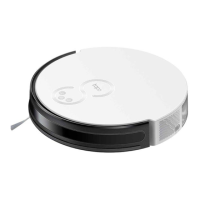
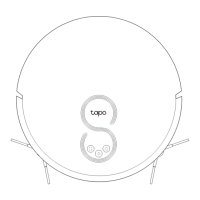
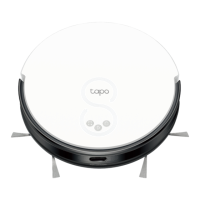
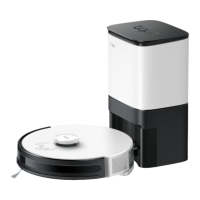
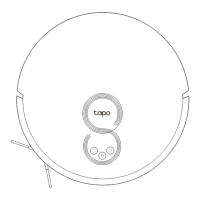
Robot Vacuum & Mop Tapo RV10
Robot Vacuum
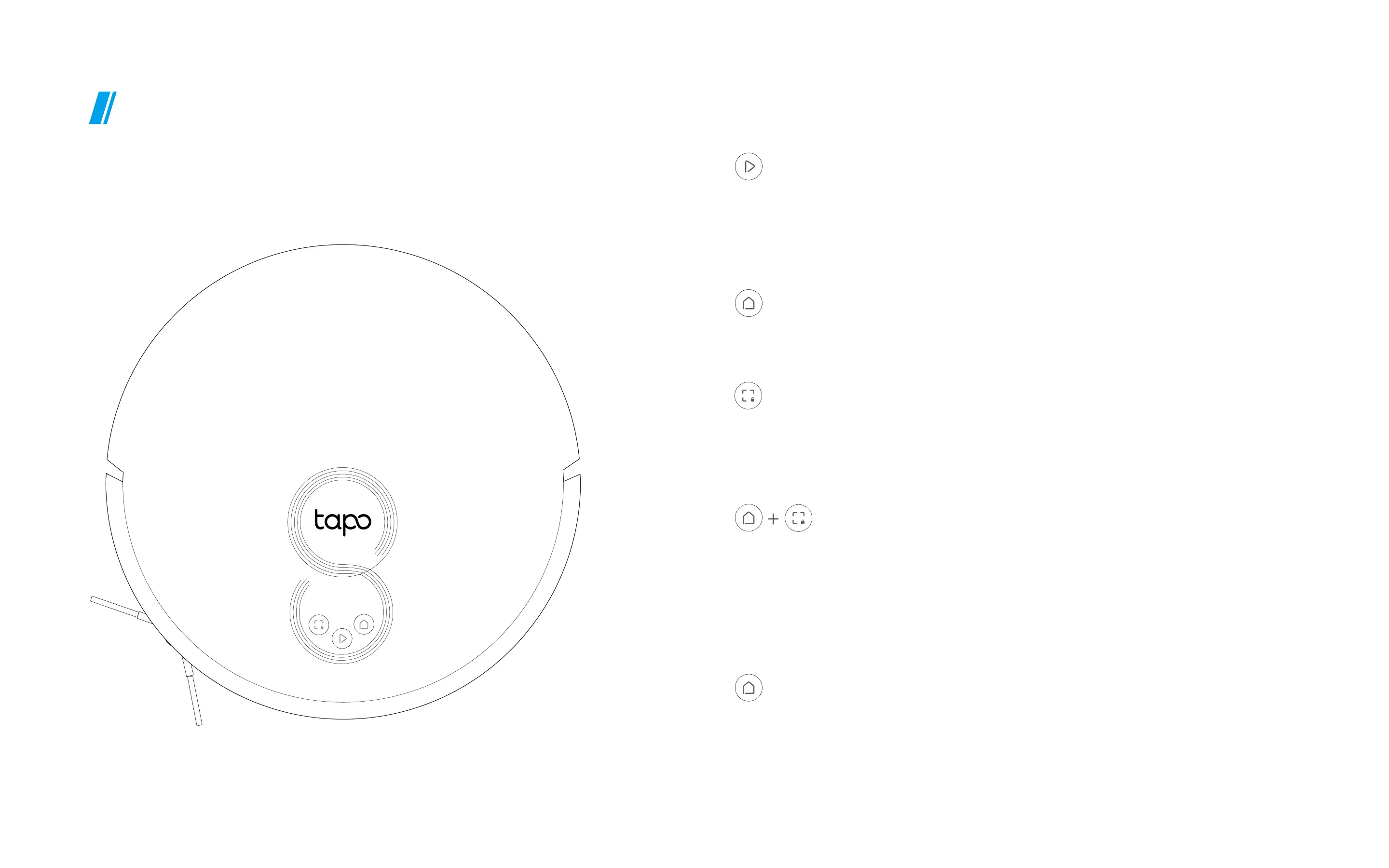
Power/Clean
Combination Button
• Press once: Start/pause cleaning.
• Press and hold for 5 seconds: Turn on/o
• Press and hold simultaneously for 5 seconds:

• Press and hold simultaneously for 10 seconds:
Restore to factory default settings.

Dock
• Press once: Start spot cleaning.

Spot Cleaning/Child Lock

LED
Red: 20%; Error
Orange: 
Green: 

Related product manuals