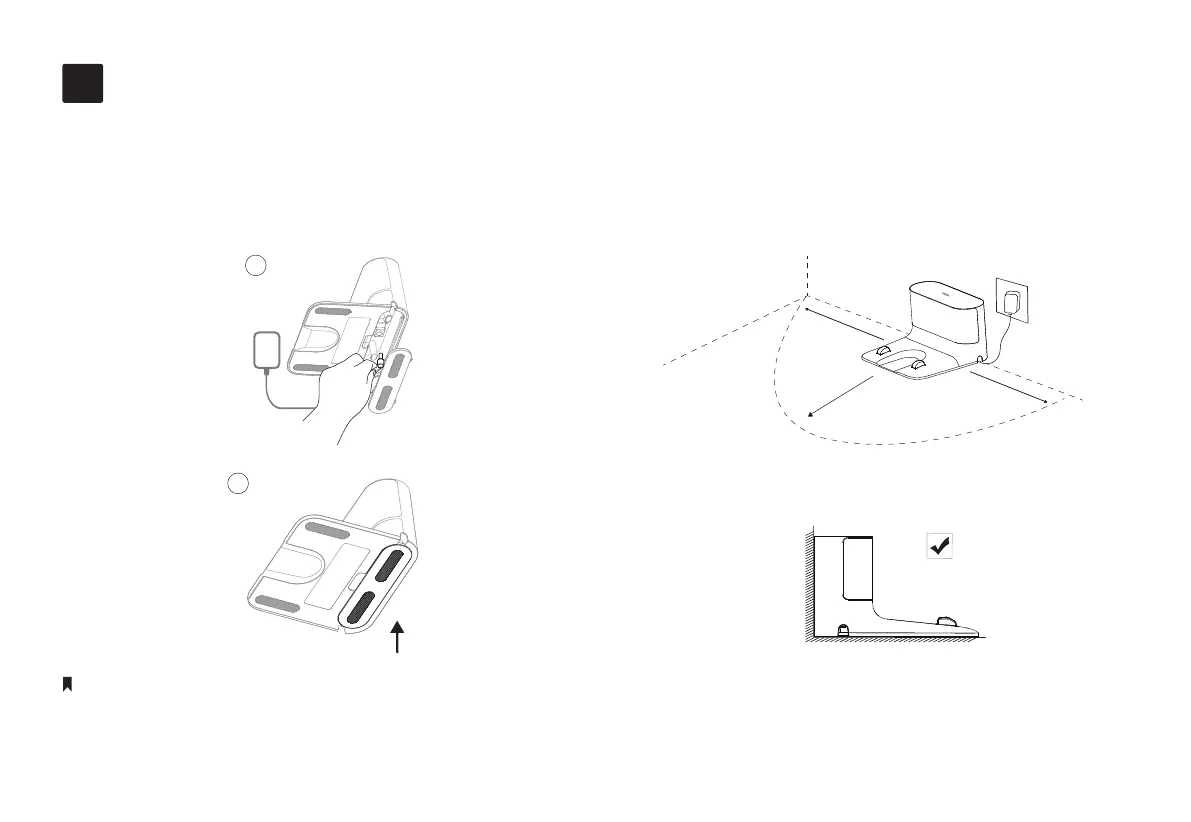
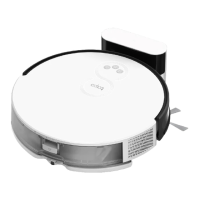
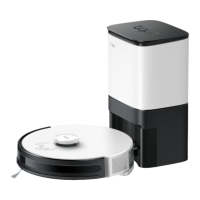
1. Remove the bottom cover of the dock, connect
the power cord to the dock, and then replace the
cover.
2. Place the dock on a level surface, at against a
wall, without obstacles within 1.5m (4.9ft) in
front and 0.5m (1.6ft) on left and right.
• To ensure a better user experience, make sure the area is with good Wi-Fi signals.
• Do not place it in direct sunlight. Ensure the area around the dock is free of clutter to improve docking performance.
• To prevent the risk of your robot vacuum falling downstairs, ensure that the dock is placed at least 1.2m (4 ft) away from stairs.
• Always keep the dock powered on, otherwise the robot vacuum will not automatically return. And do not move the dock frequently.
Notes
Position the Dock
1
2
1
4
0.5m (1.6ft)
0.5m (1.6ft)
1.5m (4.9ft)


 To Next Page