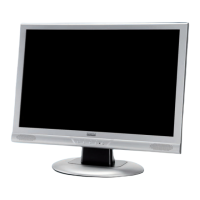
Targa Visionary LCD 22-1 Wide
7
English
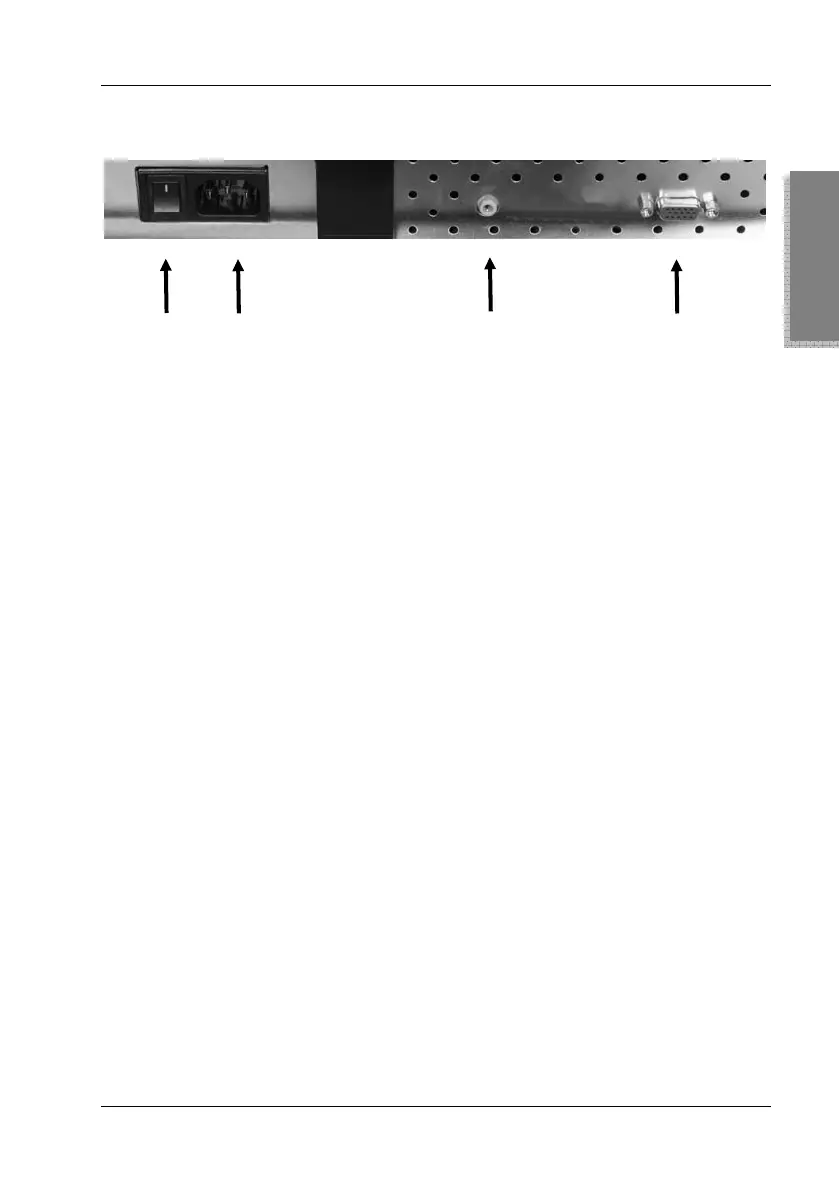
Back Panel Connectors
6 7 8 9
Quick Guide
1. Connecting the Video Cable
Power your monitor and computer off.
Use the VGA cable (2) to connect the computer to the port (9)
of the monitor.
2. Connecting the Audio Cable
Use the audio cable (3) to connect the computer’s Audio Out
port to the audio input (8) of your monitor.
3. Connecting the Power Cord
Connect the power cord (4) to the power receptacle (7) of the
monitor. Connect the other end to a wall outlet.
4. Powering On
To power the monitor on, toggle the power switch (6) located
on the back panel of the unit to “I”. If the front-panel power
indicator (16) does not light, press the On/Standby button (15)
on the front panel of the unit.


 To Next Page