English Targa NDAS 500 eSATA
16
After your computer has restarted, you will see a new icon in the task bar with the title
"NDAS Device Management" (see figure below).
Fig.: NDAS Device Management
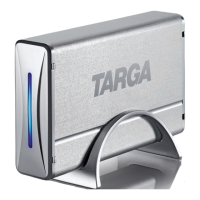
Click with the left mouse button on the icon to open the following menu:
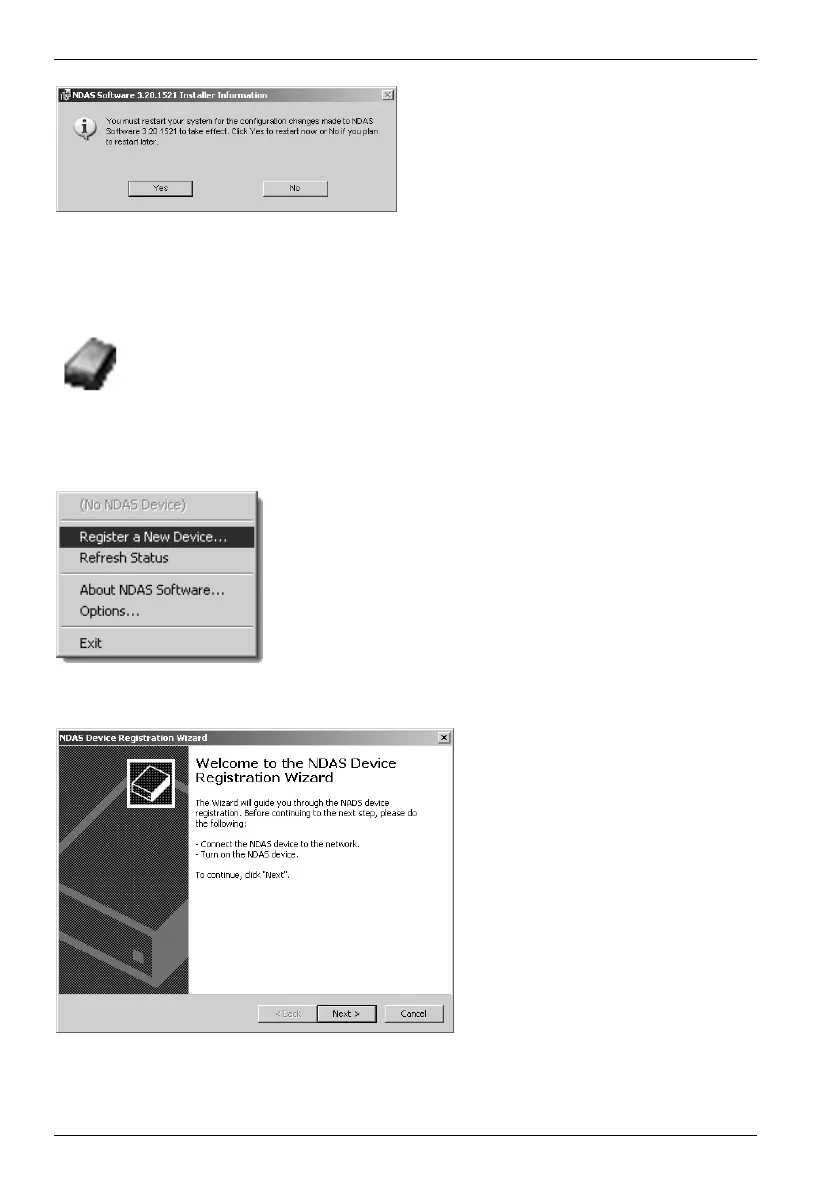
To restart the computer and complete
the installation process, click Yes.
This is where you must register the
new drive. Click on the menu item
Register a new device….
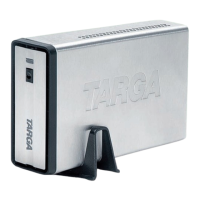
During first-time registration a
welcome window will appear.
To proceed, click
Next.


 To Next Page