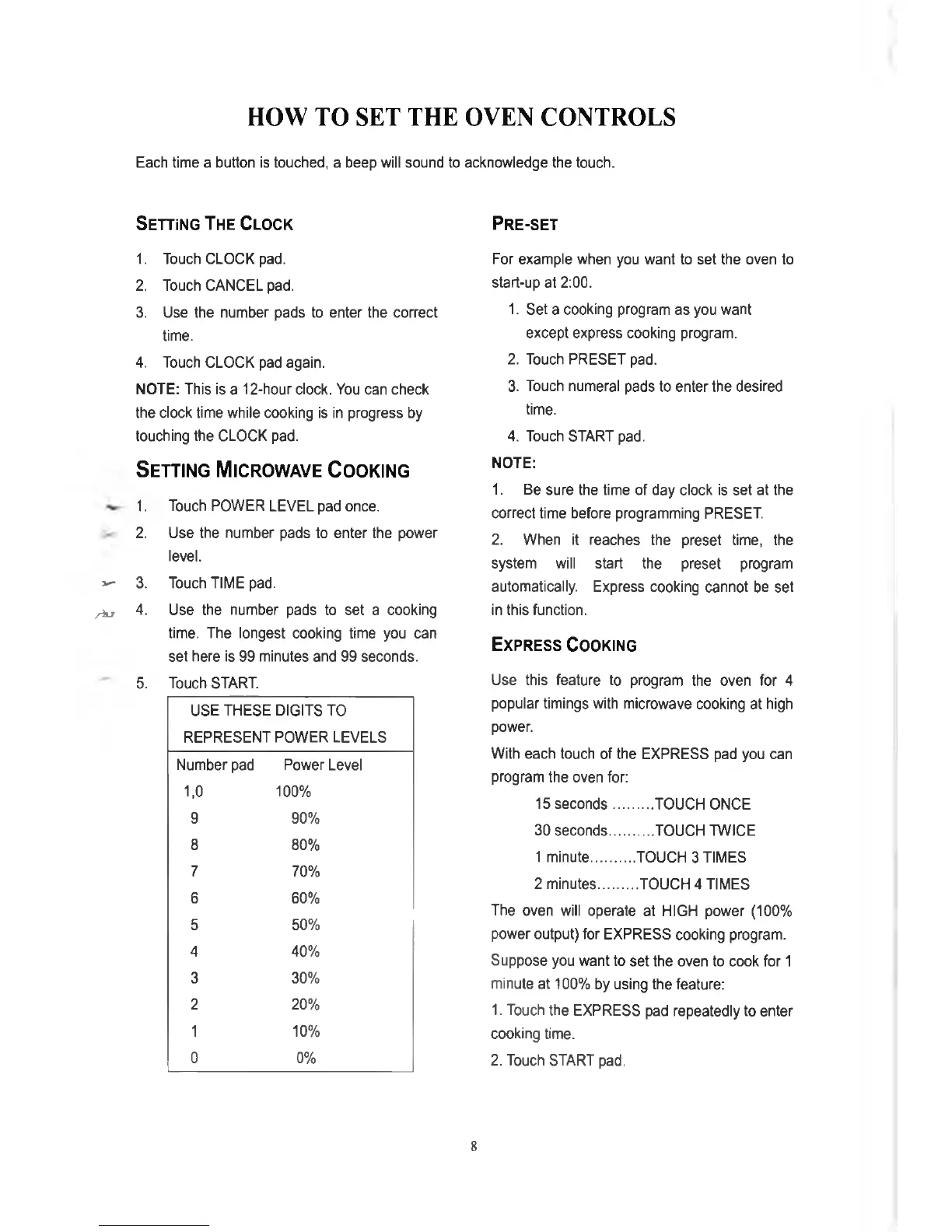
HOW TO SET THE OVEN CONTROLS
Each time a button is touched, a beep will sound to acknowledge the touch.
Setting The Clock
1. Touch CLOCK pad.
2. Touch CANCEL pad.
3. Use the number pads to enter the correct
time.
4. Touch CLOCK pad again.
NOTE: This is a 12-hour clock. You can check
the clock time while cooking is in progress by
touching the CLOCK pad.
Setting Microwave Cooking
1. Touch POWER LEVEL pad once.
2. Use the number pads to enter the power
level.
V
3. Touch TIME pad.
/ h x
4.
Use the number pads to set a cooking
time. The longest cooking time you can
set here is 99 minutes and 99 seconds.
5. Touch START.
USE THESE DIGITS TO
REPRESENT POWER LEVELS
Number pad
Power Level
1,0
100%
9 90%
8 80%
7
70%
6
60%
5 50%
4
40%
3 30%
2 20%
1 10%
0 0%
Pre-set
For example when you want to set the oven to
start-up at 2:00.
1. Set a cooking program as you want
except express cooking program.
2. Touch PRESET pad.
3. Touch numeral pads to enter the desired
time.
4. Touch START pad.
NOTE:
1. Be sure the time of day clock is set at the
correct time before programming PRESET.
2. When it reaches the preset time, the
system will start the preset program
automatically. Express cooking cannot be set
in this function.
Express Cooking
Use this feature to program the oven for 4
popular timings with microwave cooking at high
power.
With each touch of the EXPRESS pad you can
program the oven for:
15 seconds
..........
TOUCH ONCE
30 seconds
...........
TOUCH TWICE
1 minute
............
TOUCH 3 TIMES
2 minutes
..........
TOUCH 4 TIMES
The oven will operate at HIGH power (100%
power output) for EXPRESS cooking program.
Suppose you want to set the oven to cook for 1
minute at 100% by using the feature:
1. Touch the EXPRESS pad repeatedly to enter
cooking time.
2. Touch START pad.
8


 To Next Page