EasyManua.ls Logo

Targus 4-PORT USB HUB - Page 4

Targus 4-PORT USB HUB
16 pages
Print Icon
To Next Page IconTo Next Page
To Previous Page IconTo Previous Page
Loading...
Targus 4-Port USB Hub
6
Targus 4-Port USB Hub
7
GB - Introduction

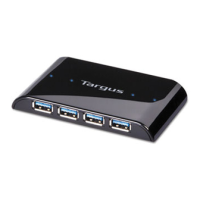
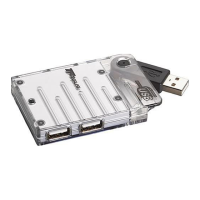
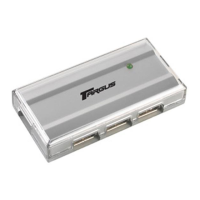
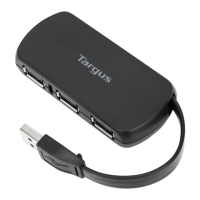
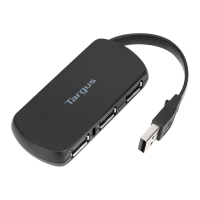
Thank you for your purchase of the Targus 4-Port USB Hub. For easy portability, the cable
wraps around and stores in the hub. This hub allows you to connect up to 4 USB 2.0 devices
such as mice, keyboards, printers and flash drives.


           

System Requirements

Hardware
• USB interface
Operating System
• Microsoft Windows
®
2000
• Microsoft Windows
®
XP
• Microsoft Windows Vista
®
• Microsoft Windows
®
7
• Mac OS
®
X 10.4 or later




®


®


®

®


®

Contents

Targus 4-Port USB Hub
• User Guide


This hub is a plug and play device. It will automatically operate when the USB cord is
connected to the computer.
   

Connecting the Hub to Your Computer


Related product manuals