
 Need help?
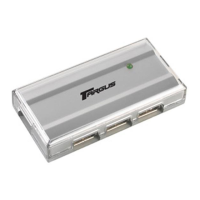
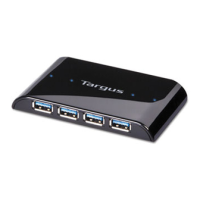
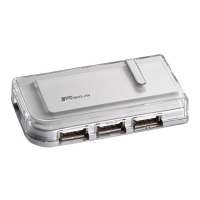
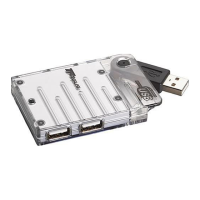
Do you have a question about the Targus PAUH216U and is the answer not in the manual?
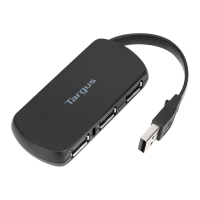
Instructions for unpacking the Targus slim USB hub and making initial connections.
Steps for connecting USB devices and the AC power adapter to the hub.
Guidance on the Found New Hardware Wizard appearing after connection.
Details on connecting a sample USB device and the software installation wizard.
Contact details for technical support and an overview of the product warranty terms.
Information on registering your Targus accessory and FCC compliance statements.





 To Next Page
 General