
 To Next PageTo Next Page
 Need help?
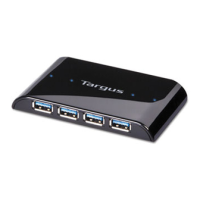
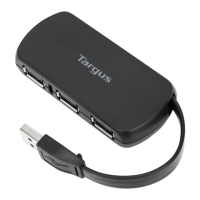
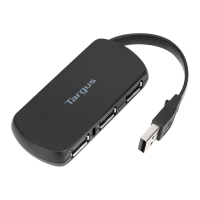
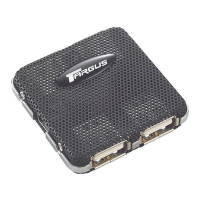
Do you have a question about the Targus Ultra Mini USB 2.0 4-Port Hub and is the answer not in the manual?
 General
| Type | USB Hub |
|---|---|
| Ports | 4 |
| USB Standard | USB 2.0 |
| Power Supply | Bus-powered |
| Compatibility | Windows, Mac, Linux |
| Data Transfer Rate | 480 Mbps |
| Brand | Targus |
| Color | Black |
Details Type A (black) for power/data, Type A (red) for optional power, and Type B connections for the hub.
Guides through the 'Found New Hardware Wizard' for automatic software installation upon connecting the hub.
Provides website URL for technical questions and warranty registration.
Lists contact details for technical support in Australia, Canada, and Europe.
Outlines the one-year warranty for defects, exclusions, and liability limitations.
Covers FCC compliance rules, interference statements, and user guidance for correction.