10
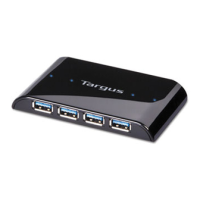
Targus Desktop USB 2.0 7-Port Hub with Audio Pass-Through
Connecting an Audio Device
1 Plug your headsets or speakers into the green 3.5mm
Audio Out (Headset) port on the USB hub.
2 Plug your microphone jack into the mono Audio In
(Microphone) port.
3 Connect the audio output from the back of your
computer to the back of the USB hub via the supplied
audio pass-through cable (as shown below).
Audio Connection of USB 7-Port Hub and PC
NOTE: S
OME COMPUTERS NEED TO CONNECT TO EITHER THE LINE-OUT OR
THE
CENTER-OUT CHANNEL OF A SOUND CARD. CONSULT THE SOUND CARD
MANUAL
FOR INSTRUCTIONS (PROCEDURES MAY VARY).
5
6
7
Audio-In
(Microphone)
Audio-Out
(Headset)
Headset / Speaker /
Microphone(pink)
DC Jack
High Power
USB Port
USB Ports
Mini USB (Type B)
USB Ports
Stereo (green)



 To Next Page