13
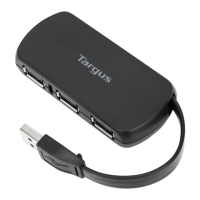
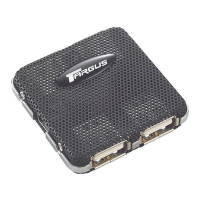
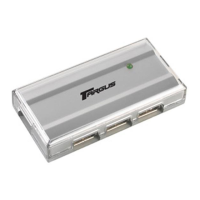
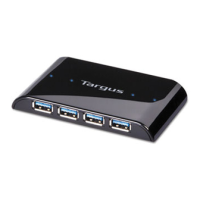
Targus Desktop USB 2.0 7-Port Hub with Audio Pass-Through
To re-enable the port, unplug the device and go to
Device Manager or to the message in the system tray
and choose the Reset option. You can then plug the
device back into the USB port. If a shut down reoccurs,
check the power requirements of the device.
Verifying Devices are Installed
You can view the devices installed on the USB 2.0 7-port
hub from the Device Manager window in System
Properties.
Right-click My Computer, Properties, then click the
Hardware tab, and then the Device Manager button.
Technical Support
For technical questions, please visit:
US
Internet: www.targus.com/support.asp
Australia
Internet: www.targus.com/au
Email: infoaust@targus.com
Telephone: 1800-641-645
New Zealand
Telephone: 0800-633-222



 To Next Page