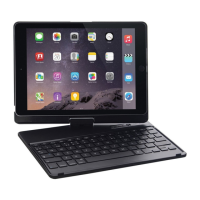
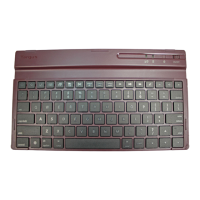
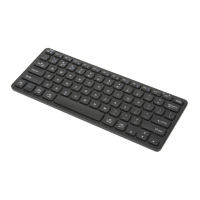
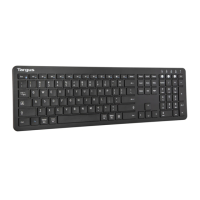
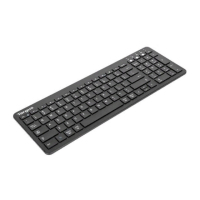
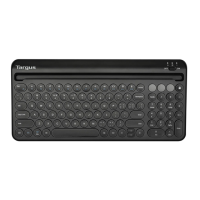
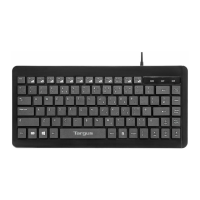
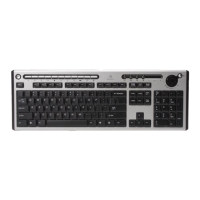
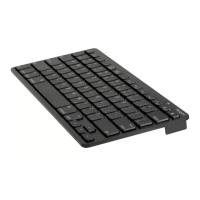
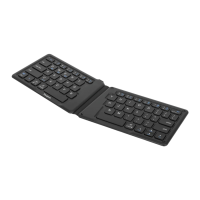
Targus Wireless 2.4 GHz keyboard
After the software driver is successfully installed, new icons
will show in the taskbar.
There are 4 programmable “Hot Keys”. Click on the icons to
assign the new short-cut function.
Follow the on-screen instructions to setup the short-cut keys.
Keyboard Setup
Scroll LOCK - ON
CAP-LOCK - ON
Number LOCK - ON
Double click on the “Keyboard Icon” to launch the key
configuration screen


 To Next Page