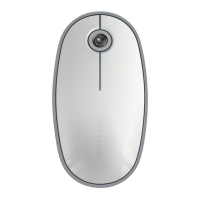
Targus Bluetooth Comfort Laser Mouse
18
Programming Your Mouse
(Windows Only)
Once installation is complete, open the driver software and select the
desired setting for the scroll-wheel button. Close the driver software
application and you’re ready to go. Activate your selected feature by
pressing down on the scroll wheel.
To access the advanced scroll wheel features you will need to download
and install the software driver. This can be downloaded from the following
location:
Visit www.targus.com to download and install the driver.



 To Next Page