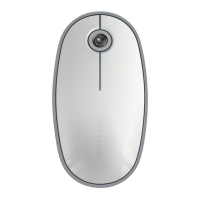
Targus Bluetooth Comfort Laser Mouse
3
1. Remove the battery cover from the top of the mouse by using the notch
on the back. Carefully lift the cover up as shown in the diagram.
Installing the Batteries
2. Remove the battery safety clip by squeezing the center of the clip and
sliding it back, towards the rear of the mouse. Lift up and rotate the clip
out of the way.
NOTE: THE BATTERY SAFETY CLIP WILL NEED TO BE IN THE SECURE, LOCKED POSITION
BEFORE THE BATTERY COVER CAN BE PUT BACK IN PLACE.



 To Next Page