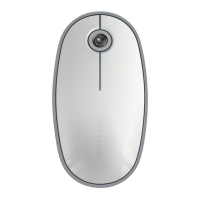
Targus Bluetooth Comfort Laser Mouse
19
Troubleshooting
The mouse is not working.
• Make sure that the polarity of the batteries is correct. The positive (+) and
negative (-) ends of each battery must match the positive (+) and negative (-)
connections in the battery housing.
• Make sure the batteries are charged. Recharge or replace if necessary.
• Verify that the computer is Bluetooth enabled.
• Verify that the device drivers are installed:
1. Click Start/ Settings/ Control Panel/ System/ Hardware/ Device Manager
2. Check under “Bluetooth Devices” that a “Soft-Touch Bluetooth” is installed
• Paired devices are always displayed in My Bluetooth Places, even if the mouse is
out of range or not powered up.



 To Next Page