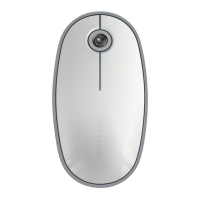
Targus Bluetooth Comfort Laser Mouse
7
Battery Life Indicator
NOTE: WHEN THE FIRST LIGHT IS BLINKING, PLEASE REPLACE THE BATTERIES
3 LEDs lit Full power
2 LEDs lit Half power
1 LED lit Low power
Power Saving mode:
After an extended period of time, if the mouse is not used, it will automatically enter
power saving mode to conserve power and increase battery life. Click on any mouse
button to resume the normal operation. The mouse may take a few seconds to
reconnect with your computer.
Power Management
• To extend the life of your battery, turn off the mouse while travelling or
when you’re not using it.



 To Next Page