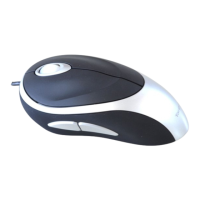
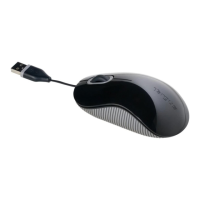
TARGUS USB 3-BUTTON
LASER
NOTEBOOK MOUSE
Introduction
Congratulations on your purchase of a Targus USB 3-Button Laser
Notebook Mouse. This mouse features the latest laser tracking
technology which provides up to 2000 dpi of resolution. This mouse
features a resolution changing function for users who require more
precision with different types of applications.
Package Contents
• USB 3-Button Laser Notebook Mouse
• User Guide
System Requirements
Hardware
• USB Port
Operating System
• Windows® ME/2000/XP
• Windows Vista™
Operating Instructions
This laser mouse does not require either a driver or software. Simply
plug the USB cable into your computer’s USB port.
Changing the resolution (1000 dpi - 2000 dpi):
• Press and hold both left and right mouse buttons for 2 seconds
then release to switch the resolutions. The default setting for the
mouse is at 2000 dpi.



 To Next Page