Action tab:
Mouse speed: adjust the speed at which the cursor moves
across the screen.
Double-click speed: adjust the double-click speed of the
mouse button.
Button Swap: assign the right button to be the primary mouse
button for left-handed use, or revert to the factory setting.
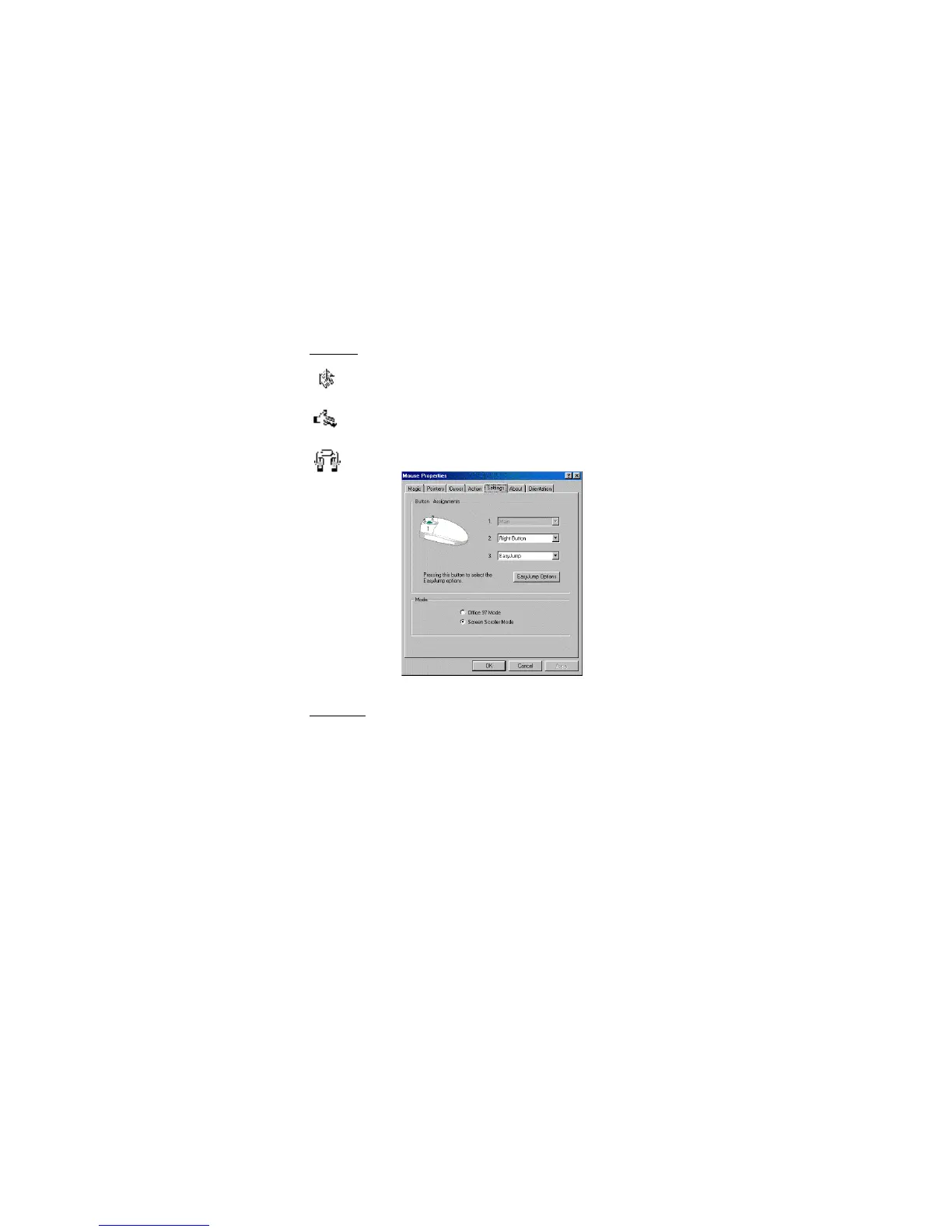
Figure 2. Mouse Properties Window
Settings tab:
Button Assignments: You can assign the buttons on the
mouse to perform frequent operations or special functions
such as Auto-panning, EasyJump, and Zoom. To assign a
function to a mouse button, click Button Assignments. An
extensive list of functions appears in a drop-down menu.
There is a drop-down menu for each button: 1, 2, and 3.
EasyJump Options: Click this button to assign a mouse
button to EasyJump. EasyJump provides access to the eight
functions pictured in Figure 3. Click the mouse button
assigned to EasyJump to quickly perform any of the
EasyJump functions:
5








 To Next Page