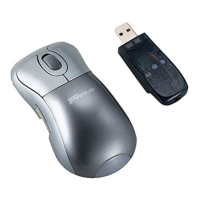
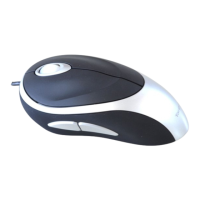
Targus Optical Bluetooth Mouse
3. The computer will now search for the Bluetooth mouse and other
Bluetooth devices. Please wait until the search is completed. Choose
the device you wish to connect. There may be more than one Bluetooth
device detected. Select Bluetooth Wireless Mouse and click Next to
continue. If the mouse is not detected, please make sure the mouse is
in discovery mode and click Refresh.
4. The computer will begin connecting with the device.
9



 To Next Page