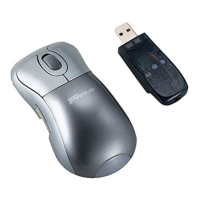
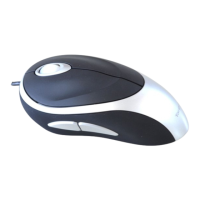
Targus Optical Bluetooth Mouse
What do I do if the device does not work?
• Make sure that the polarity of the battery is correct. The positive (+)
and negative (-) ends must match the positive (+) and negative (-)
connections in the battery housing.
• Make sure you have established a communications link. See
“Establishing a Communications Link.”
What do I do if the response time of the device is slow or it
intermittently stops working?
• Increase the distance between the receiver and the base units of
other wireless devices.
• Replace the batteries.
Troubleshooting
14



 To Next Page