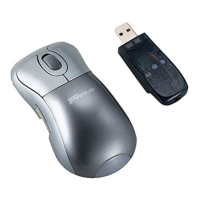
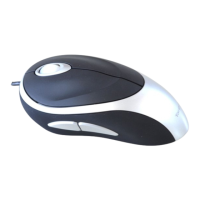
Installing the Batteries (Included)
• Use the two AAA-size rechargeable NIMH batteries (Included)
WARNINGS: WHEN REPLACING THE BATTERIES, ALWAYS REPLACE WITH NiMH
BATTERIES OR OTHER RECHARGEABLE BATTERIES. NEVER USE ALKALINE
BATTERIES IN A DEVICE. AVOID MIXING NEW AND USED BATTERIES IN A DEVICE.
• Turn on the mouse by sliding on/off switch on the bottom of the mouse
to the “on” position.
• Snap the battery cover back into position.
• Remove the battery cover from the top of the mouse by sliding off the
cover of the mouse.
• Insert the batteries, making sure that the positive (+) and negative (-)
ends of each battery match the polarity indicators inside the battery
housing
Targus Optical Bluetooth Mouse
2



 To Next Page