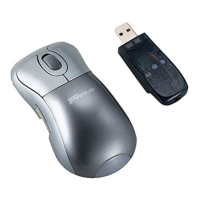
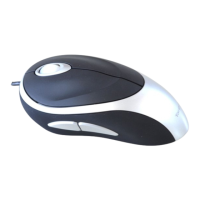
Targus Optical Bluetooth Mouse
2. The Bluetooth Wizard screen will prompt. Please follow the on-
screen instructions.
3. Please turn on the mouse and press the connection ID button
located at the bottom of the mouse until the LED on the mouse blinks
red (discovery mode). Click Next to continue pairing and the computer
will search for the mouse.
(Windows XP)
(Windows Vista)
(Windows XP) (Windows Vista)
6



 To Next Page