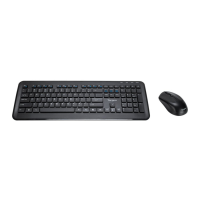
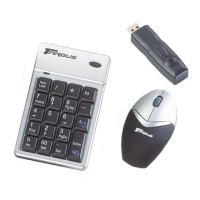
Targus wireless keypad and opitcal mouse combo
Setting the Identification Code
After your computer detects the USB receiver you must set
the ID code between the receiver and the mouse as well as
between the receiver and the keypad BEFORE you can use
them. To do this, do the following:
NOTE: Make sure that your computer is turned on and
has detected the USB receiver before you set the ID
code.
Optical Mouse
1 Press and release the setup key on the receiver. The
Lock LED light turns off.
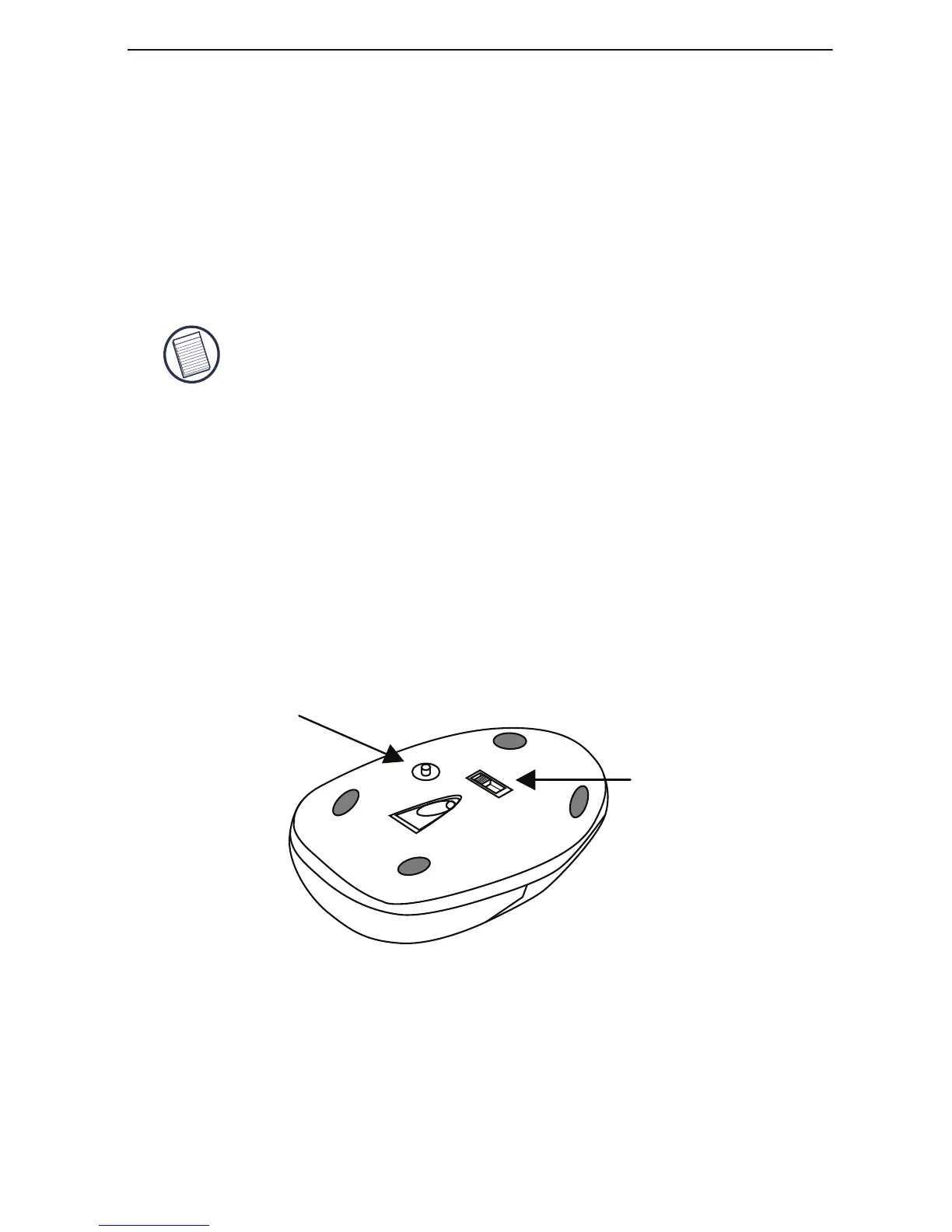
2 Press the setup key on the bottom of the mouse.
When the LED on the receiver is lit, the mouse is set up
with an ID and the receiver is locked.
You are now ready to use the mouse.
power swtich
Setup Key


 To Next Page