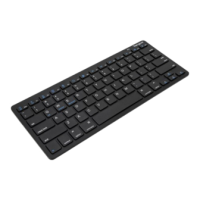
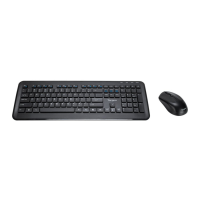
Targus wireless keypad and opitcal mouse combo
• To extend the life of your batteries, turn off the mouse and
keypad while not in use and during travel.
Power Saving Mode
• The mouse’s power saving mode feature activates after 4
minutes of non-operation. To activate the mouse, move
the mouse or press any button.
Troubleshooting
What do I do if the mouse does not work?
• Make sure that the polarity of the batteries is correct. The
positive (+) and negative (- ) ends of each battery must
match the positive (+) and nega tive (-) connections in the
battery housing.
• Check that the receiver’s USB connector is firmly
attached to the USB port on your computer.
• Verify that the device drivers are installed.
• Make sure you have established a communication link
between the mouse and its receiver. See “Setting the
Identification Code”.



 To Next Page