Targus wireless keypad and opitcal mouse combo
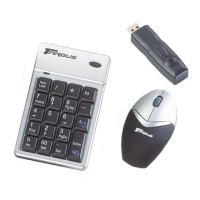
Wireless Keypad
1 Press and release the setup key on the receiver again.
2 Press the setup key on the keypad.
When the light emitter diode (LED) on the receiver is lit,
the keypad is set up with an ID and the receiver is
locked. You are now ready to use the keypad.
Using the Keypad
Activate Num Lock (LED illuminated)
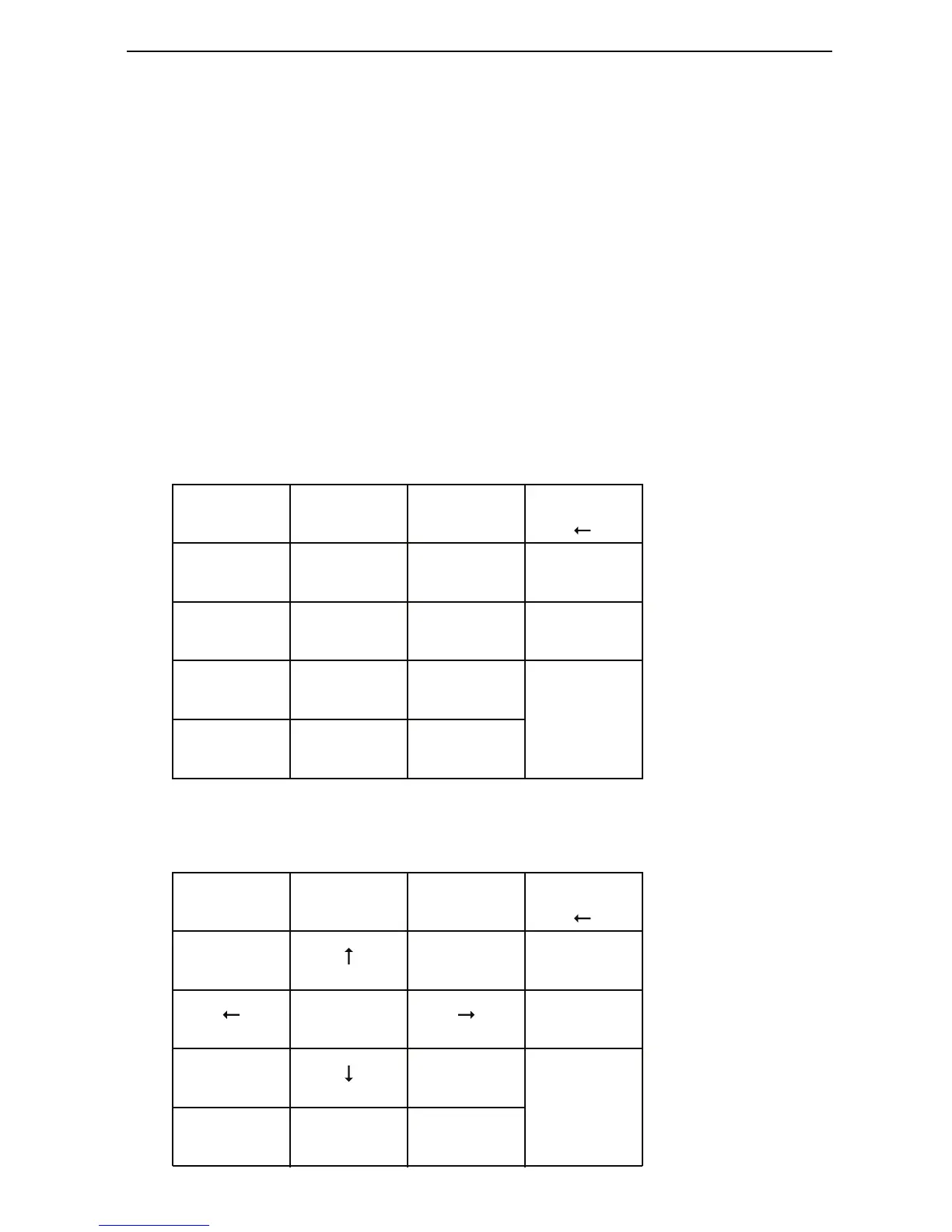
Definition of the keys:
Deactivate Num Lock
Definition of the keys:
Num
Lock
/ *
Bk Sp
7 8 9 -
4 5 6 +
1 2 3
Enter
0 00 .
Num
Lock
/ *
Bk Sp
Home PgUp -
+
End PgDn
Enter
Ins Del


 To Next Page