Need help?
Do you have a question about the Targus Stowaway PA840 and is the answer not in the manual?
Step-by-step guide for installing the keyboard software on your Compaq iPAQ Pocket PC.
Instructions on how to uninstall the Stowaway keyboard software from your iPAQ.
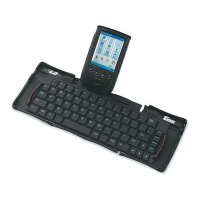
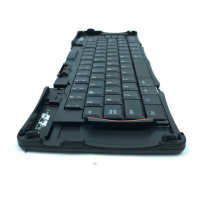
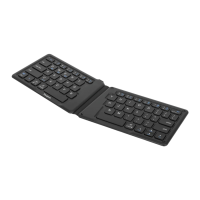
Steps to unfold and prepare the Stowaway keyboard for use.
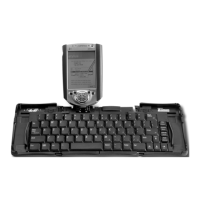
Procedure for attaching your Compaq iPAQ Pocket PC to the Stowaway keyboard.
How to start the Stowaway keyboard software automatically after installation.
Details on standard and special key functions, including application and Fn keys.
Explanation of how the Fn key enables additional functions like Num Lock and Menu.
Guide to using arrow keys with Fn, Shift, and Ctrl for cursor navigation.
Tips for optimal typing surfaces, stylus use, and docking mechanism extension.
Notes on Tab key functionality, iPAQ insertion order, key combinations, and ActiveSync.
Precautions and advice for comfortable and injury-free typing.
How to access the Stowaway application to customize keyboard options.
Regulating keystroke speed and enabling/disabling features like Enable Keyboard and Hot-Dock.
Instructions for defining user-specific hot-keys using Fn and number keys.
How to find software version, copyright, and access help within the Stowaway application.
Answers to common user queries about keyboard operation and connectivity.
Information regarding FCC compliance rules and guidelines for radio frequency interference.
 General
| Connectivity | Wired |
|---|---|
| Layout | QWERTY |
| Type | Folding |
| Compatibility | Palm OS |
| Features | Foldable design |

 To Next Page