Need help?
Do you have a question about the Targus Stowaway PA820U and is the answer not in the manual?
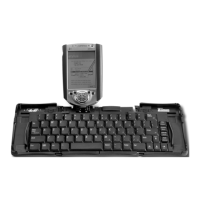
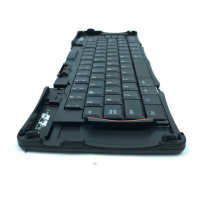
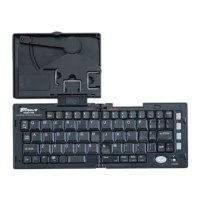
Step-by-step instructions on how to unfold and assemble the Stowaway Portable Keyboard.
Instructions on how to connect the Jornada device to the Stowaway Portable Keyboard dock.
Lists the commands available in the Stowaway Keyboard software's File menu (About, Help, Exit).
General guidance on using the keyboard, noting exceptions like arrow keys for cursor control.
Details the Text Macro feature for inserting pre-defined text snippets or symbols using shortcut keys.
Describes how to specify date and time formats for use in text macros within the Stowaway software.
Explains how to customize the four quick launch keys for accessing frequently used applications.
Provides contact information and phone numbers for obtaining technical assistance for the Targus accessory.
Presents the official FCC statement regarding testing, compliance, and measures to mitigate interference.
 General
| Type | Portable Keyboard |
|---|---|
| Connection | Bluetooth |
| Keyboard Layout | QWERTY |
| Color | Black |
| Battery | Rechargeable Lithium-ion |
| Compatibility | Windows, Android |
| Features | Foldable |

 To Next Page