EasyManua.ls Logo

Targus PA870U - User Manual

Targus PA870U
23 pages
Print Icon
To Next Page IconTo Next Page
Loading...
BRUSSELS HANNOVER BARCELONA TOKYO MILANO AMSTERDAM SINGAPORE LONDON PARIS NEW YORK LOS ANGELES TORONTO HONG KONG SYDNEY
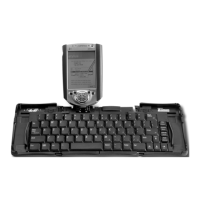
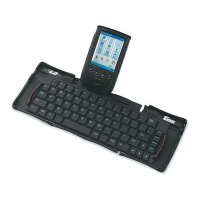
Universal IR Keyboard
USER’S GUIDE
Making Your Mobile Life Easier.
Visit our Web site at: www.targus.com
Features and specifications are subject to change without notice. © 2003 Targus Corp.
400-0103-001A
Question and Answer IconNeed help?

Do you have a question about the Targus PA870U and is the answer not in the manual?

Targus PA870U Specifications

General IconGeneral
BrandTargus
ModelPA870U
CategoryKeyboard
LanguageEnglish

Summary

Introduction

Installing the Driver

Installing the Batteries

Securing a PDA to the Keyboard

Enabling the Keyboard

Customizing the Keyboard Options

About

View software version and copyright information for the IR keyboard application.

Help (Pocket PC only)

Access online help topics for the IR keyboard application.

Function Keys

Define user-programmable function keys for commands and options.

Keyboard Settings

Regulate keystroke repeat function, delay, and rate settings.

Mouse Settings

Regulate cursor movement speed, blink rate, and shape.

Using the Keyboard Mouse

Typing Keyboard Shortcuts

Adding Diacritical Marks

Things to Remember

Frequently Asked Questions

Technical Support

Product Registration

Warranty

Regulatory Compliance

FCC Statement

Device compliance with FCC rules for radio frequency interference.
Related product manuals