– 5 –
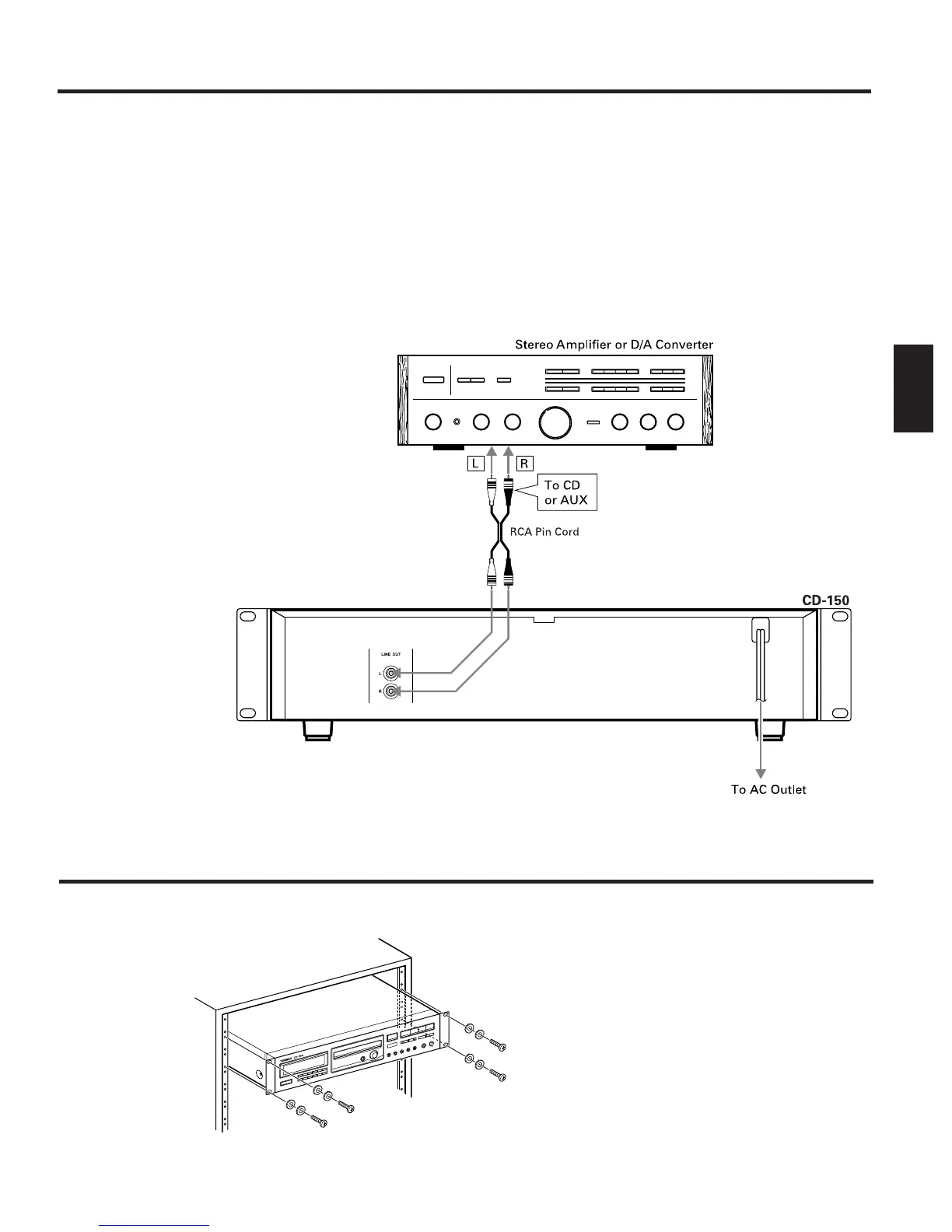
Connections
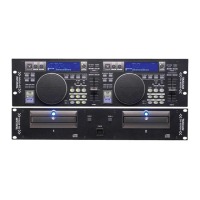
Rack Mounting
ENGLISH
Before making connections, be sure to read
the instruction manual of the stereo
amplifier carefully and turn the power of the
stereo amplifier and the player OFF.
Caution:
If the CD player interferes with the tuner, TV
receiver, etc., allow a reasonable distance
between them.
ª Connection with a stereo
amplifier
LINE OUT terminals
… Connect the LINE OUT terminals to the
CD or AUX terminals of the stereo
amplifier using an RCA pin plug cord.
… Make sure to match the color-coded
plugs to the appropriate jacks on the
components — white to white (L), and
red to red (R).
… Be sure to insert each plug securely.
∑ Headphones
When using headphones, connect the
headphone plug into the PHONES jack.
O Adjust the level of the signals output
from the phones jack.
ª Power cord
Be sure to connect the power cord to an AC
outlet which supplies the correct voltage.
… Hold the power plug when plugging or
unplugging the power cord.
Install this deck with the provided
mounting screw kit as illustrated.



 To Next Page