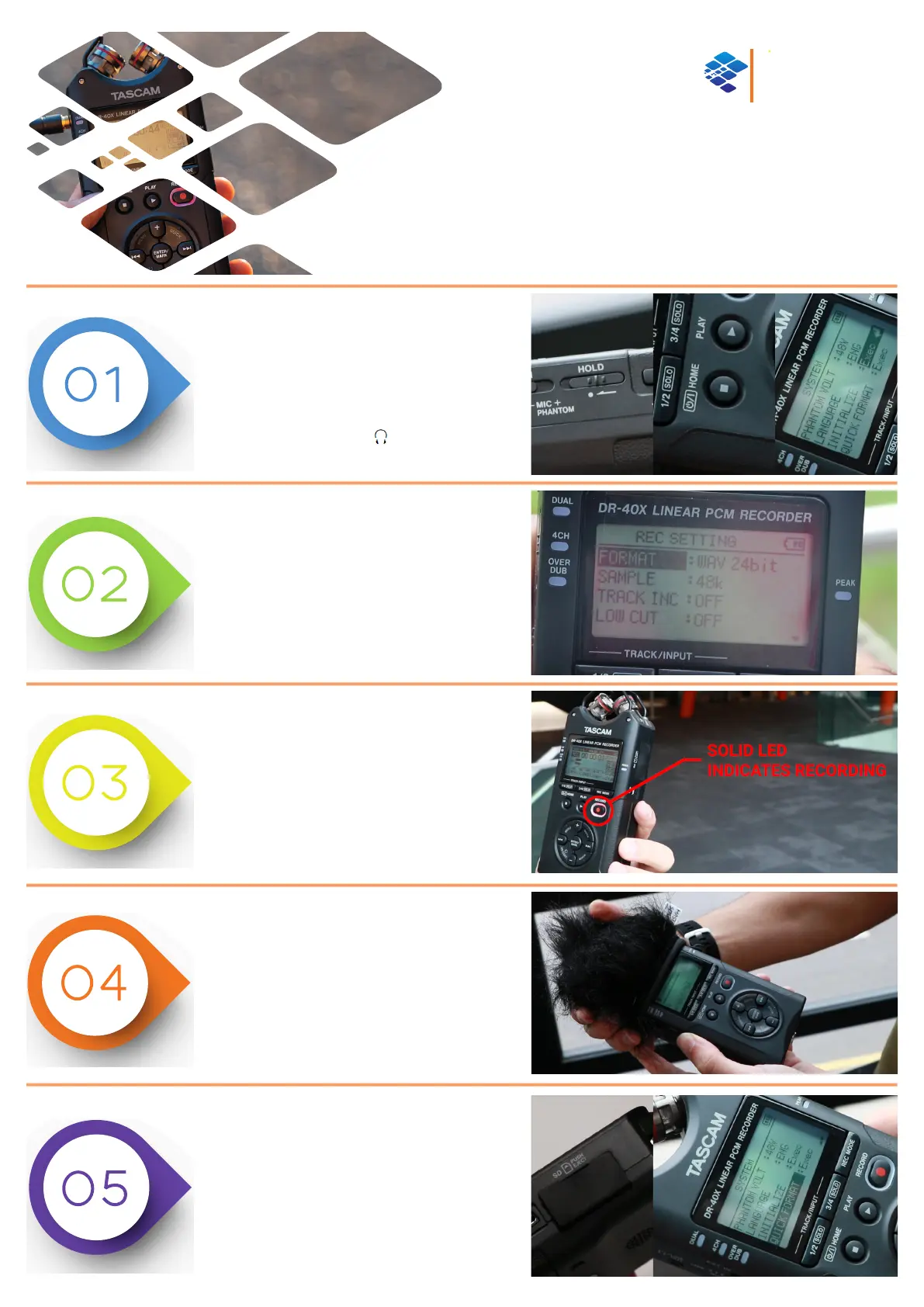
POWERING & SETUP
• Check the HOLD switch is not engaged.
• Press and hold the POWER/HOME button.
• RESET to DEFAULT settings by pressing
MENU > SYSTEM > INITIALIZE > EXEC
• Insert headphones into to monitor sound.
CONFIGURING RECORD SETTINGS
• The recommended recording format is:
WAV 24bit / 48khz
• Press MENU > REC SETTINGS and choose:
FORMAT = WAV 24bit
SAMPLE = 48k
PRE-RECORD & RECORD
• Press RECORD once to initiate ‘PRE-RECORD’
(indicated by flashing LED)
• In PRE-RECORD mode, press:
QUICK > LEVEL MODE > AUTO then press
ENTER to confirm.
• Press RECORD again to begin recording.
TOP TIPS!
• Make sure you are monitoring your audio with
headphones.
• Use the supplied windshield if outside.
• Remember, PRE-RECORD mode is not recording.
• Whilst RECORDING, you can press RECORD again
to pause.
TRANSFERRING FILES
• Open the rubber flap on the side and gently push
the SD card to eject.
• Insert the SD card into a computer and transfer
files.
• To DELETE ALL DATA, re-insert SD CARD into
recorder and navigate to:
MENU > SYSTEM > QUICK FORMAT > EXEC
CREATIVE
MEDIA
C i C S
TASCAM DR-40X
QUICK START GUIDE
Portable Four-Track Digital Audio Recorder & USB Interface



 To Next Page