はじめに
はじめに
76
TASCAM DR-V1HD
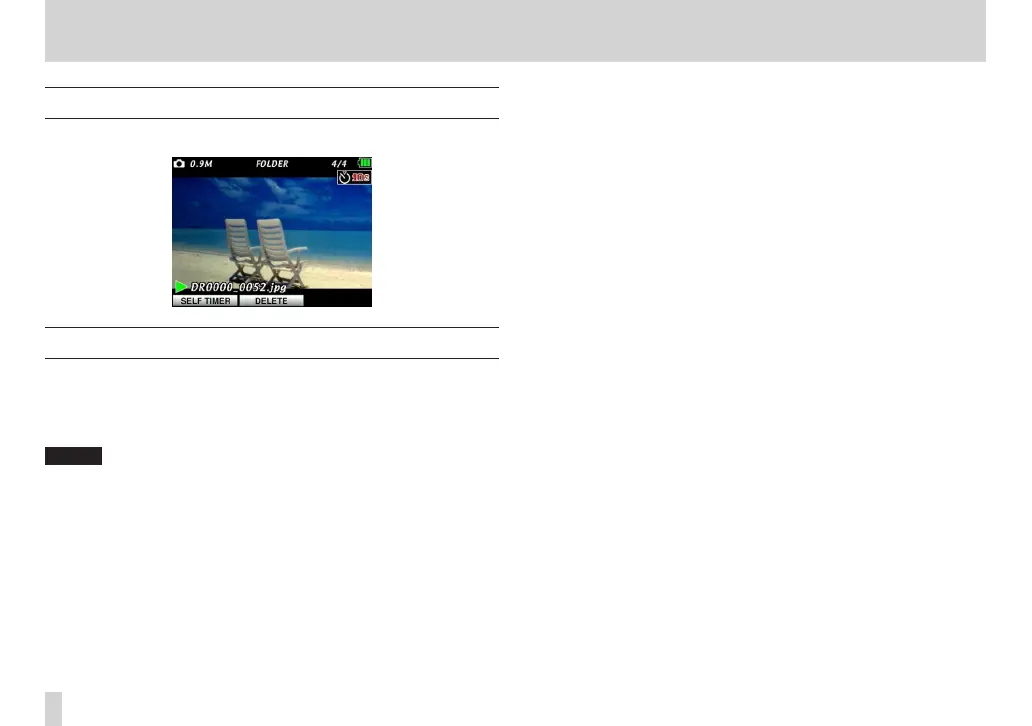
8 – Viewing a slide show of still photos
Playing the slide show
On the Home Screen, press the PLAY button to start playback.
Stopping the slide show
On the Home Screen, press the STOP/PAUSE button during the slide show to
pause on the current photo.
Press the PLAY button again to resume playback of the slide show from the
same photo.
NOTE
Playback area and playlist settings also aect slide shows. For details, see “7 -
Video and Audio Playback” starting on page 61.



 To Next Page