IMPORTANT SAFETY PRECAUTIONS
14 TASCAM FireOne
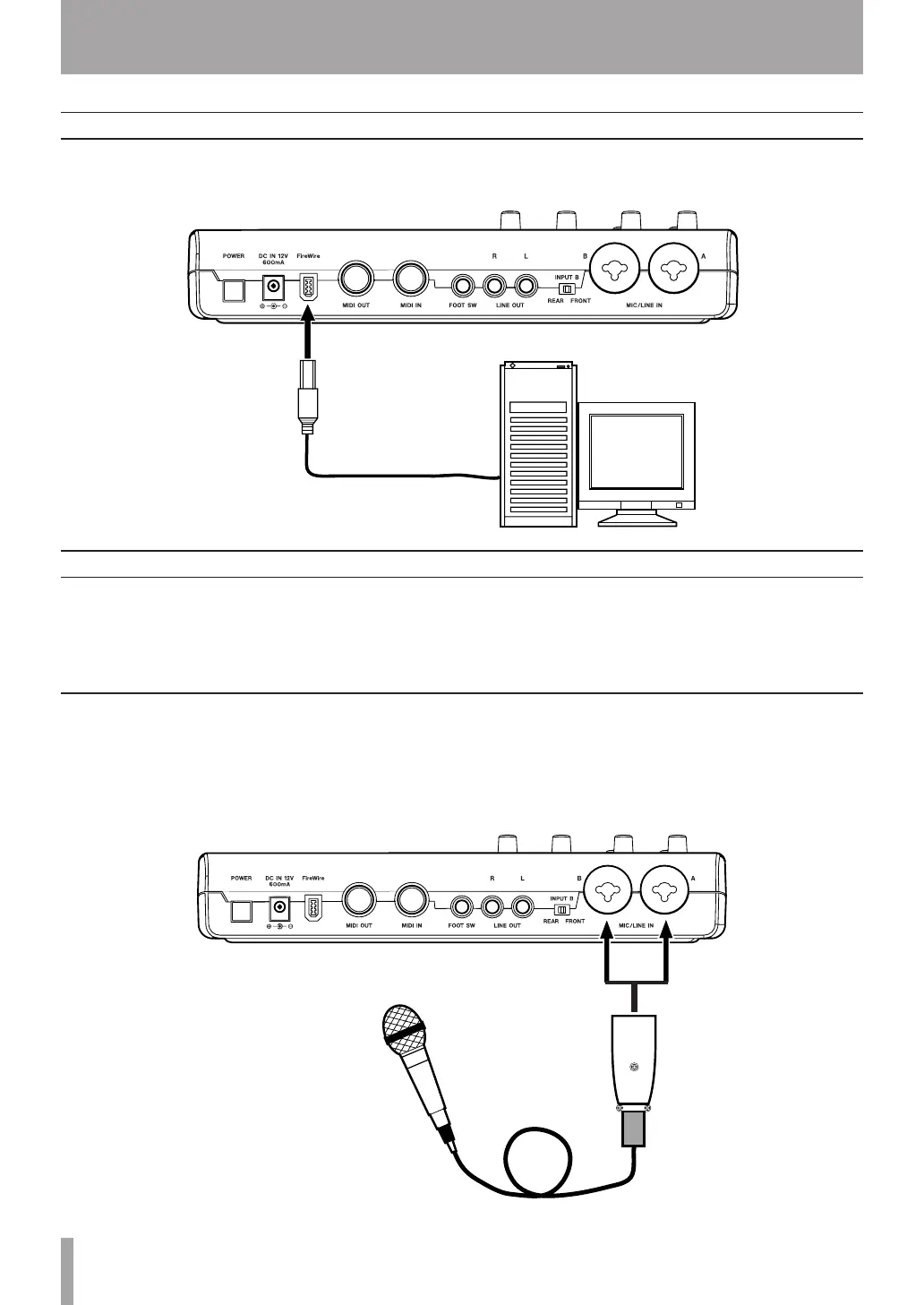
Using the included cable, connect the FireOne to your
computer as shown in the illustration.
FireWire connections
Connect your mics to the MIC/LINE IN (B/A) jacks (XLR). If
you are using a condenser mic that requires phantom power,
turn on the phantom power.
Mic
Audio connections
Connect the output signal of your mic, guitar, keyboard, or
other audio device to the FireOne, where it will be converted
into digital audio and sent via FireWire to your computer.
Connect the output of the FireOne to your speakers (via an
amp) or headphones, so you will be able to monitor the audio
signals coming into the FireOne or being produced by your
computer.
5 - Connections



 To Next Page