6-34
Using Various Functions > Functions
Background Density Adj. (Background Density
Adjustment)
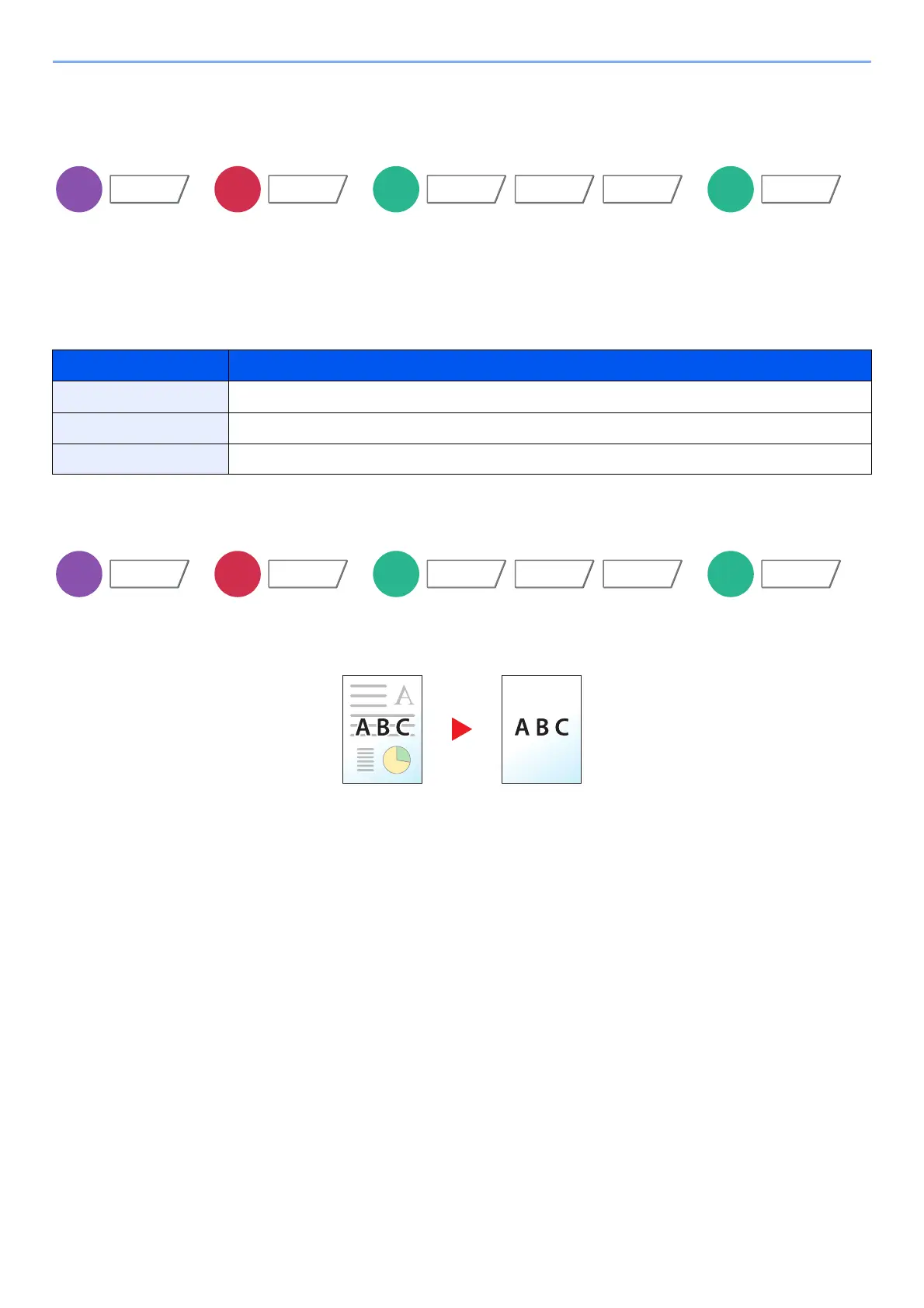
Removes dark background from originals, such as newspapers.
This feature is used with full color and auto color. Background Density Adjustment is disabled if Auto Color detects black
and white originals.
If the ground color is obtrusive, select [Auto]. If [Auto] does not remove the ground color, select [Manual] and adjust the
density of the ground color.
Prevent Bleed-thru
Hides background colors and image bleed-through when scanning thin original.
(Value: [Off] / [On])
Item Description
Off Does not adjust the ground color.
Auto Automatically adjusts the background density based on the original.
Manual Select [1] to [5] (Lighter - Darker) to adjust the background density manually.
Color/
Image Quality
Functions
Image Quality
Color/
Image Quality
Functions
Color/
Image Quality
Functions
Image Quality
Color/
Image Quality
Functions



 To Next Page