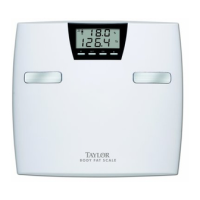
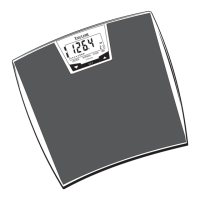
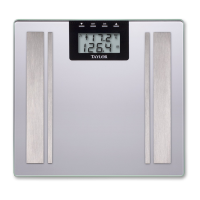
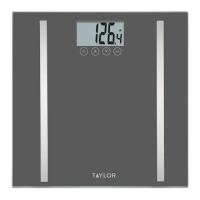
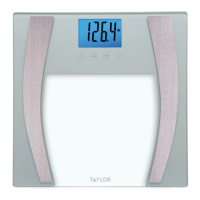
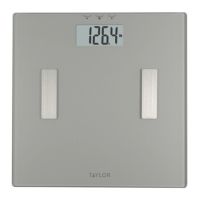
This scale operates on 4 AAA batteries (included).
Insert the 4 AAA batteries into the battery compartment. Ensure the + and -
terminals are the correct way round.
Some models have a static cling label on the lens to prevent scratching.
Please remove before use.
Your scale has been set to measure in pounds and inches
(lb). To change the measurement units to kilograms/centimeters or
stone/inches, move the switch on the bottom of the scale to
(kg) or (st-lb).
Place the scale on a flat, hard surface. Carpeted or uneven
floors may affect accuracy.
When the LCD displays “Lo”, replace the batteries.
The scale needs to be initialized before first use or
after battery replacement. Press lightly on the scale
platform. The display will show a running zeros pattern and automatically
turn off. Your scale is now ready for use.
Your Taylor® Body Fat Scale will operate as a basic weight-reading scale.
No special programming steps are required.
Once the scale is initialized, as
previously described, you may
simply step on the scale to obtain
your current weight. For a weight
only reading:
1. Place the scale on a flat, hard
surface. Carpeted or uneven
floors may affect accuracy.
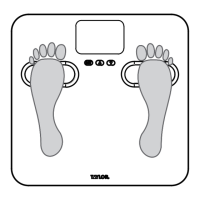
2. Step onto the scale platform and remain still while the scale computes
your weight.
3. The display will flash twice when the weight is locked. Your weight is
now displayed.
4. The scale will automatically turn off.
Tap to initialize
WEIGHT ONLY OPERATION
3
BATTERY INFORMATION AND GENERAL SET-UP



 To Next Page