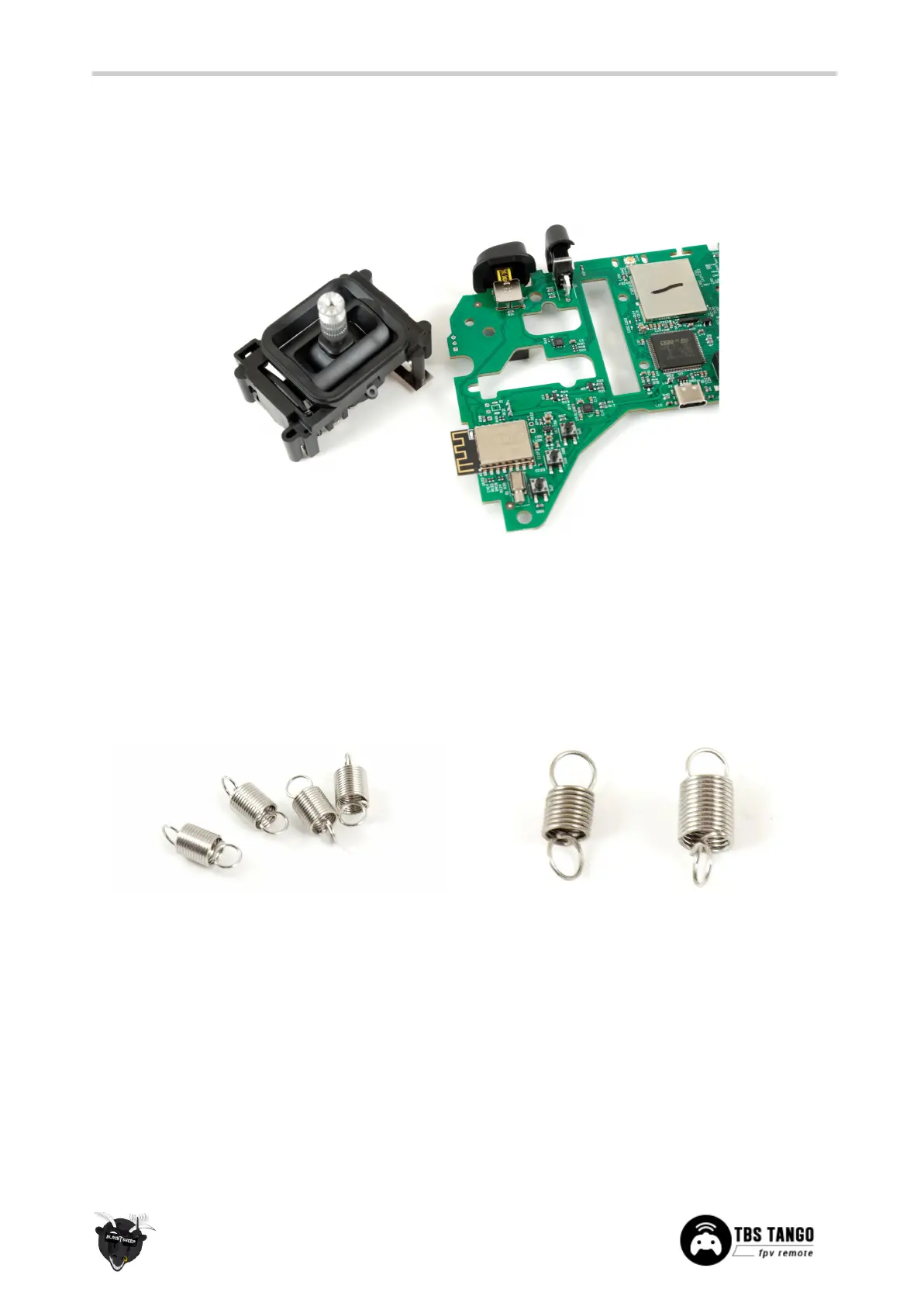
Lift the mainboard along with the gimbals out of the housing. The gimbal support pegs are inserted on the
mainboard holes and easily pulls out. Insert the new gimbal(s) and re-assemble the radio. There are no
electrical connections between the gimbal and the remote. Recalibration will be required after this step!
Changing gimbal springs
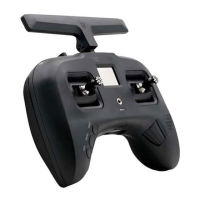
The radio comes with a set of softer springs (pro only, on the standard they need to be sold separately)
that provide less tension sticks. The difference from the stock springs is that these are approx. 20-30% less
stiff, giving a smooth soft response.


 To Next Page