EasyManua.ls Logo

tbs electronics TANGO 2 - Page 43

tbs electronics TANGO 2
49 pages
Print Icon
To Next Page IconTo Next Page
To Previous Page IconTo Previous Page
Loading...
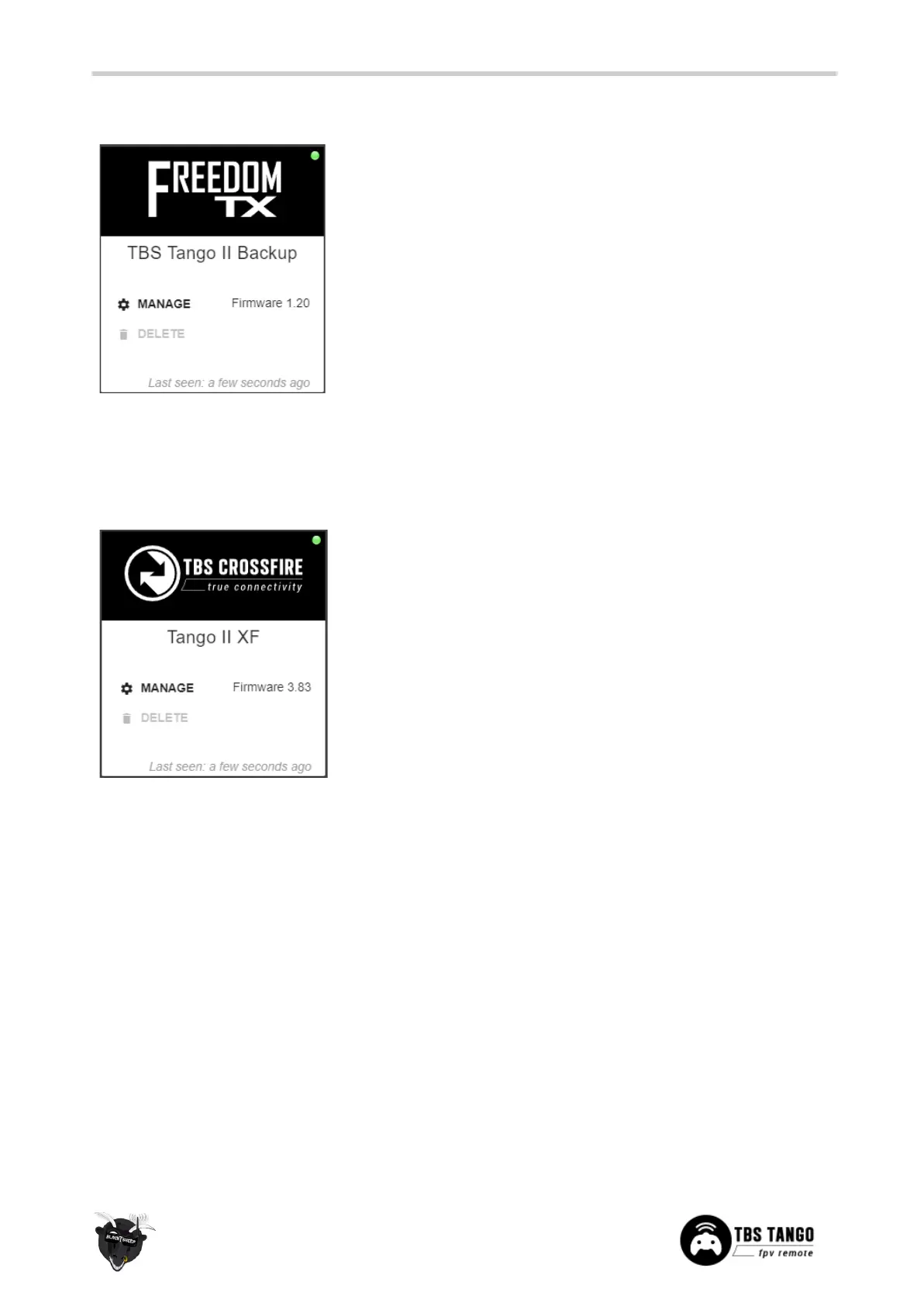
Update FreedomTX
1. Power up your Tango 2 and connect it by
USB-C
2. open the Agent X
3. In the prompt, select
USB Agent (HID)
4. Wait for the Tango II to show up (green/
orange dot
5. Click on
Manage
6. Navigate to the
Firmware
tab
7. Select a firmware version an click on
Upgrade/
refresh/ downgrade
8. Hit
Update
and wait for the Agent to finish it
Update the build in Crossfire
1. Power up your Tango 2 and connect it by
USB-C
2. In the prompt, select
USB Agent (HID)
3. Wait for the Tango II XF to show up (green/
orange dot
4. Click on
Manage
5. Navigate to the
Firmware
tab
6. Select a firmware version an click on
Upgrade/
refresh/ downgrade
7. Hit
Update
and wait for the Agent to finish it
43

Related product manuals