www.tbsiptv.com
3 / 19
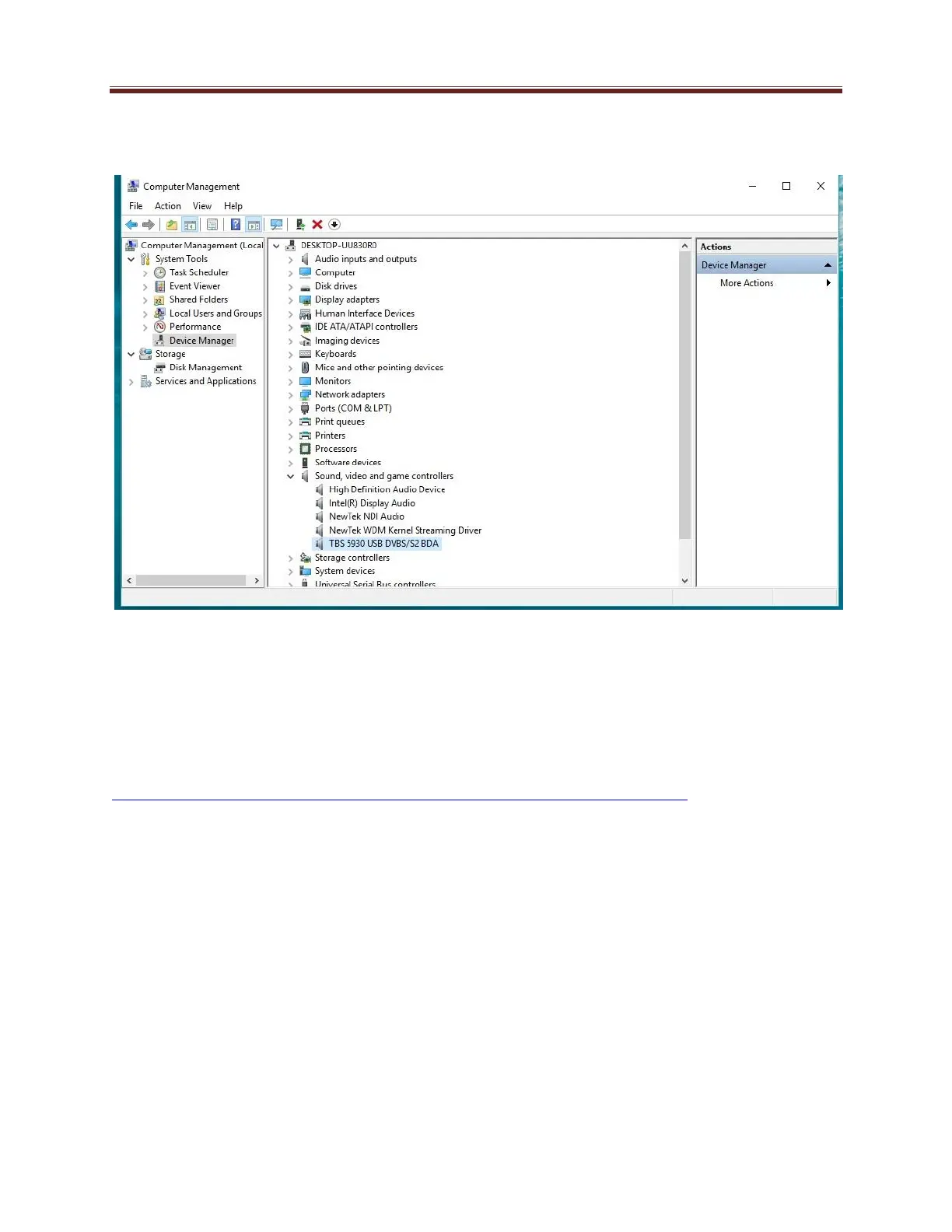
Driver install finished, you’ll see tuner device in “Computer—Device Manager: Sound, video and game
controller”. Like this:
DVB software install:
For windows system, we recommend DVBdream, DVBviewer and ect.
Let’s take DVBdream as example.
DVBdream download:
https://www.tbsiptv.com/download/common/dvbdream_oem_version_setup_v297.zip
Tune channels:
1. Check and set LNB type. Ku LNB, C-band LNB and ect.
Normally, LNB information will be marked on your LNB. For example,



 To Next Page