TBS6909 Multi Standard Tuner Card User Guide
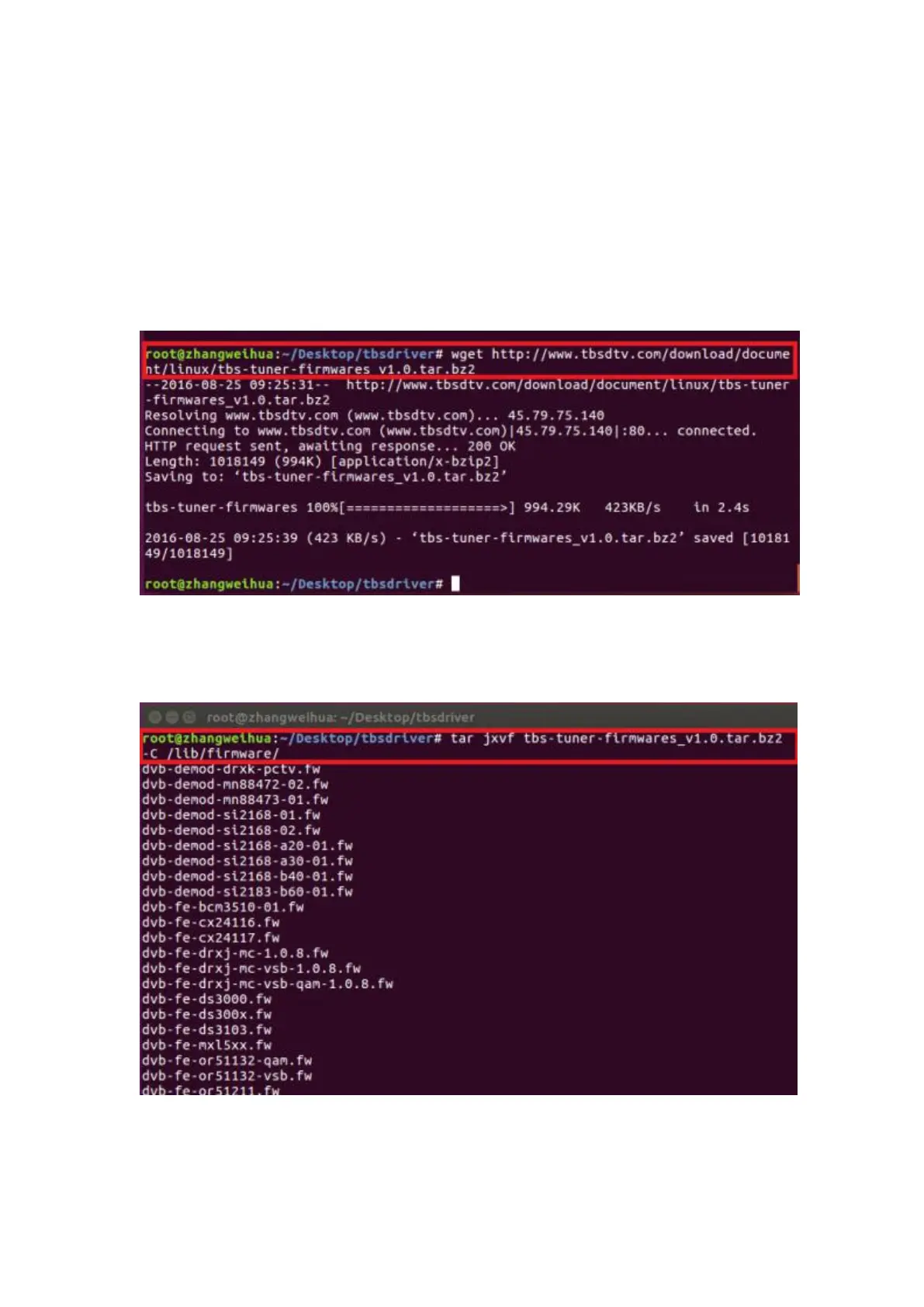
4.10 Install “firmware” and execute the following command. Please save the file in
your favorite directory, and then unzip the file to “lib/firmwares” directory as the
below screenshot.
1)Execute #wget http://www.tbsdtv.com/download/document/linux/tbs-tun
er-firmwares_v1.0.tar.bz2
2)#tar jxvf tbs-tuner-firmwares_v1.0.tar.bz2 -C /lib/firmware/ ( See
screenshot below.)



 To Next Page