TBS6909 Multi Standard Tuner Card User Guide
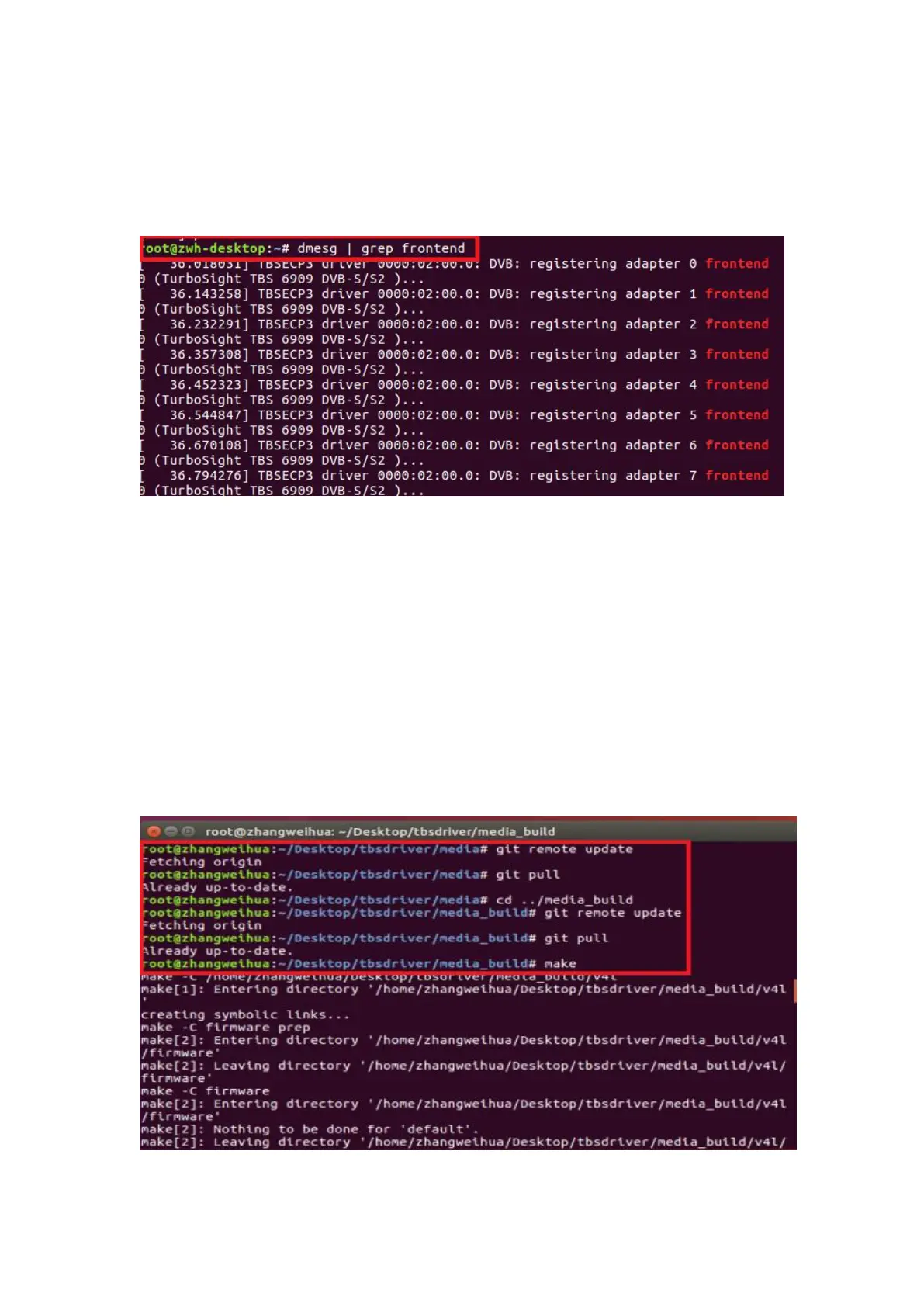
4.11 Execute all the above commands, you should have successfully completed
installation. Reboot your computer and input the following commands to detect if
you have done it.
# reboot
# dmesg | grep frontend
5. If you would like to get latest source program, please enter the “tbsdriver
/media” directory and execute the following commands to update the drivers. (See
the commands below.)
# cd media
# git remote update
# git pull
# cd ../media_build
# git remote update
# git pull
# make
# sudo make install
# reboot



 To Next Page