TCL Multimedia Technology Holding CRT BU R&D Center
Chassis Name
NX56-AP&NX56B-AP
Serial No.
Issued on
2008-01-18
Page
Page 17 of 17
Updated on
2009-04-24
Version
4.0
value. See below table 3.7.7 for detailed description.
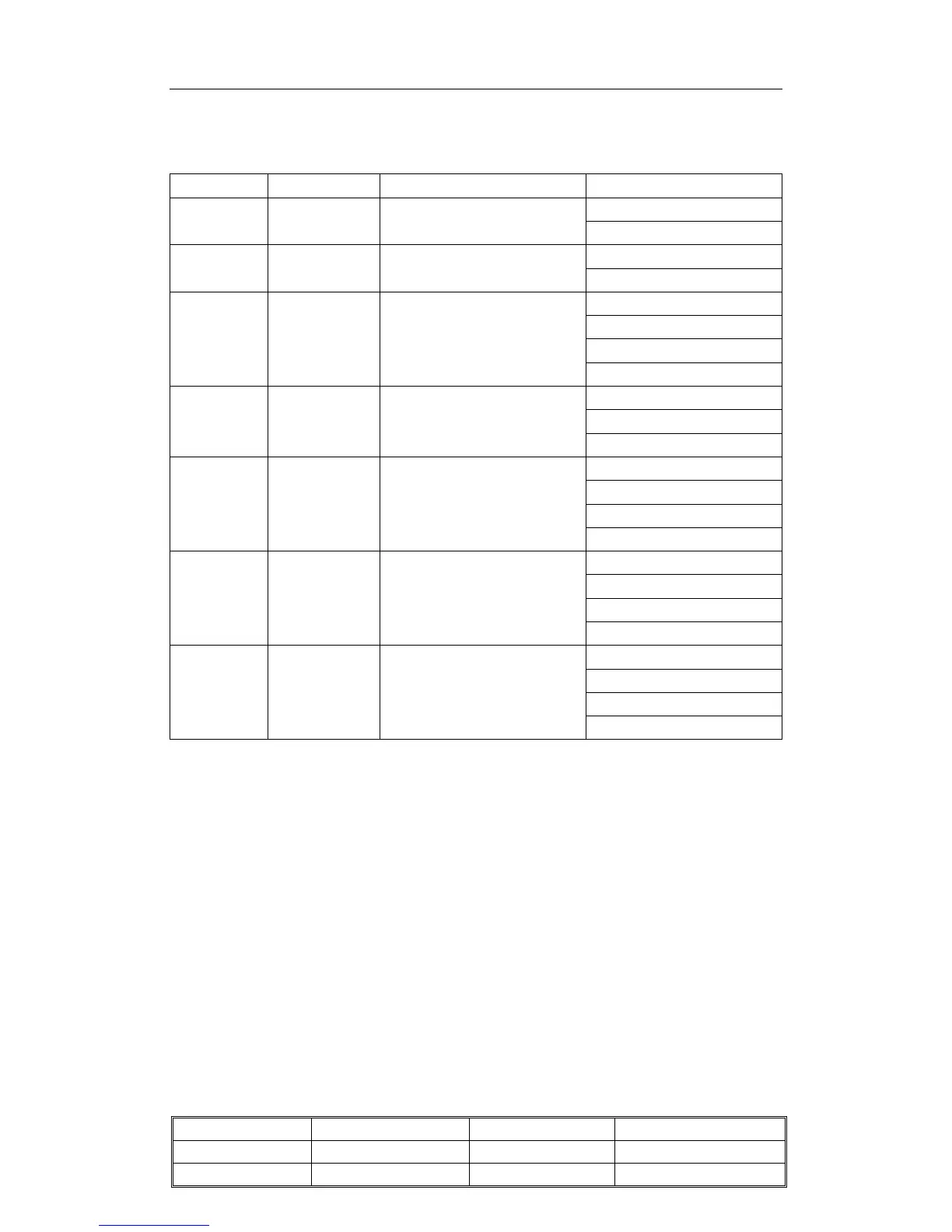
Table 3.7.7: Producing parameter setup and option page “9”
OSD menu Default Value Description Remark
0=Disable
BKS 1 Black stretch enable
1=Enable
0=15IRE
BSD 0 Black Stretch depth
1=30IRE
0=12%
1=20%
2=6%
AAS 0
Black area to switch off the
black stretch
3=8%
0=1:1
1=1.5:1
RPA 1 Ratio of pre- and after shoot
2=2:1
0=1:1
1=1:1.3
3=1:1.7
RPO 1
Ratio of positive and
negative peaks
4=1:0.7
0=0%
1=5%
2=10%
SOC 2
Soft clipping level above
PWL
3=S
oft clipping off
0=off
1= between 0 and 20 IRE
2= between 0 and 40 IRE
COR 0 Video peaking active range
3= between 0 and 100 IRE
3.8 Screen voltage (VG2) adjustment with AKB function
1. Put the TV in AV source without input signal.
2. Enter P-Mode, press RC key "AT", there will display
3. Adjust the "SCREEN" VR of the FBT until VG2 hint display (LOW/OK/HIGH) display
"OK" stably.
4. Press “MENU” return to P-Mode.


 To Next Page
 Loading...