To Next PageTo Next Page
 Need help?
Do you have a question about the TCL 43C645 and is the answer not in the manual?
General safety guidelines and warnings for operating the television set.
Critical safety warnings regarding potential hazards like falling TVs and child safety.
Important product usage notes, including ventilation and avoiding internal access.
Instructions for safe use of the power cord and plug, including unplugging conditions.
Guidelines for handling power and signal cables to prevent damage or hazards.
Recommendations for placing the TV in a suitable environment, avoiding heat, moisture, and dust.
Overview and description of various input/output sockets on the TV for connectivity.
Steps and methods for connecting the TV to a wired or wireless home network.
Explanation of the various buttons and their functions on the TV remote control.
Guidance through the welcome wizard for initial TV setup and configuration.
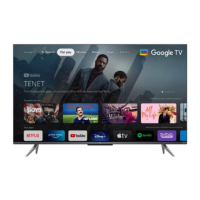
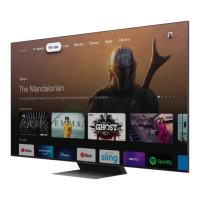
Guide to navigating and using the Google TV interface for entertainment.
How to use voice commands for TV control and content search via Google Assistant.
Enabling the TV to be turned on remotely via a network connection.
Recording TV programs using a connected USB drive.
A guide to diagnosing and resolving common TV operational issues and errors.



 General