EN - 3
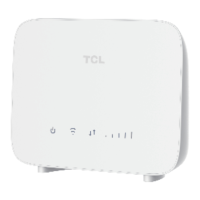
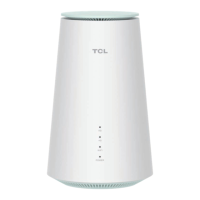
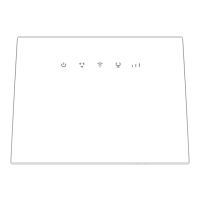
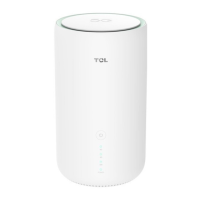
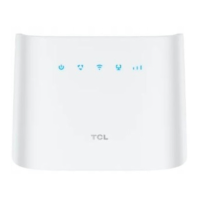
4. LAN/WAN indicator
•On: the WAN or LAN port is connected.
•Off: the WAN or LAN port is not connected.
5. Signal indicator
•1 bar: weak signal strength.
•2 bars: good signal strength.
•3 bars: excellent signal strength.
•Off: no signal.
6. Reset button
Use a paperclip to press the button for 3 seconds
to reset the device.
7. Nano SIM card slot
Insert a Nano SIM card in the slot.
8. WPS button
Press the button for 3 seconds to enable the WPS
function. The WPS function will be automatically
disabled if a WPS connection is not established
within 2 minutes.
9. Power button
•Press for 3 seconds to power off your device.
•Press for 1 second to power on your device.
10. External antenna port
Install an external antenna to improve signal
reception.
11. Telephone port
Connect to a telephone to make or answer calls.
12. LAN/WAN port
Used to connect to an internet source or wired
devices such as computers or switches.
13. LAN port
Used to connect to wired devices such as
computers or switches.
14. Power connector
Used to connect to the power adapter.


 To Next Page
 Loading...