EN - 5
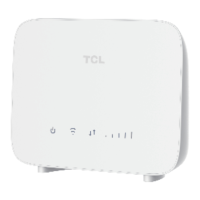
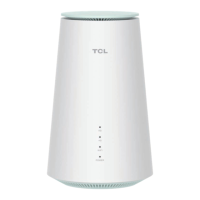
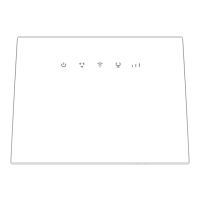
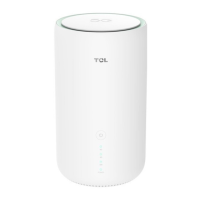
•To establish a wired network connection, connect the wired device to
the LAN port of your CPE using an Ethernet cable.
•To establish a wireless network connection, search for the Wi-Fi name
on your wireless devices. The Wi-Fi name (or the SSID) and the Wi-Fi
key can be found on the bottom label of your CPE.
•To configure the CPE Wi-Fi network, open a web browser on the
device connected to the CPE network wiredly or wirelessly, then go to
the login website which is printed on the bottom label of your CPE and
follow the on-screen instructions.
Note:
For the default login information, refer to the bottom label of
your CPE.


 To Next Page
 Loading...