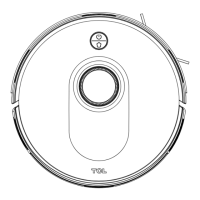
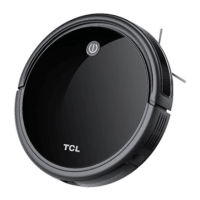
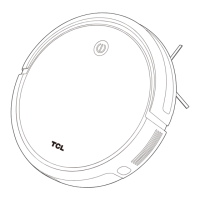
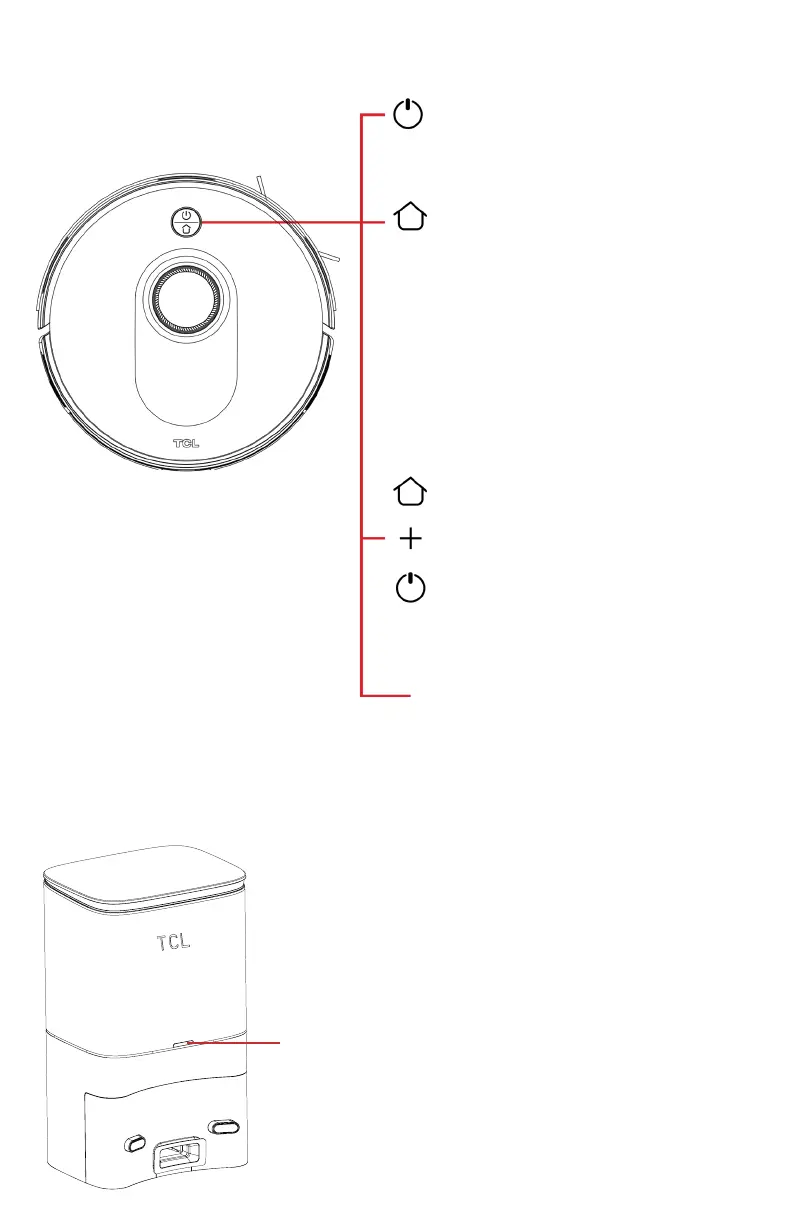
Vacuum’s Button Controls & Indicators
Cleaning/Switch Button
Press and hold for 3 seconds to turn
on/o the machine.
Press once to start cleaning.
Recharging Button
Press once to return for charging.
Press and hold for 15 seconds to
restore factory settings.
Recharging Button +
Cleaning/Switch button
Press and hold the two buttons
simultaneously for 3 seconds to enter
the network configuration mode.
Light Status
• Solid Blue Light:
Standby (normal battery level).
• Solid Orange Light:
Standby (low battery).
• Blue Light Breathing:
Return for charging.
• Orange Light Breathing:
Charging/startup at low battery.
• Blue Light Flashing:
Connect to Wi-Fi.
• Red Light Flashing:
Error or fault.
Self-Emptying Dustbin (Sweeva 6500)
Self-Emptying Dustbin Indicator
• Solid White Light: When the main machine is not
connected to the self-emptying dustbin.
• White Light O: The main machine and the self-emptying
dustbin are correctly connected.
• Solid Red Light: The dust bag is not in place
• Red Light Flashing: Abnormal state


 To Next Page
 Loading...