29
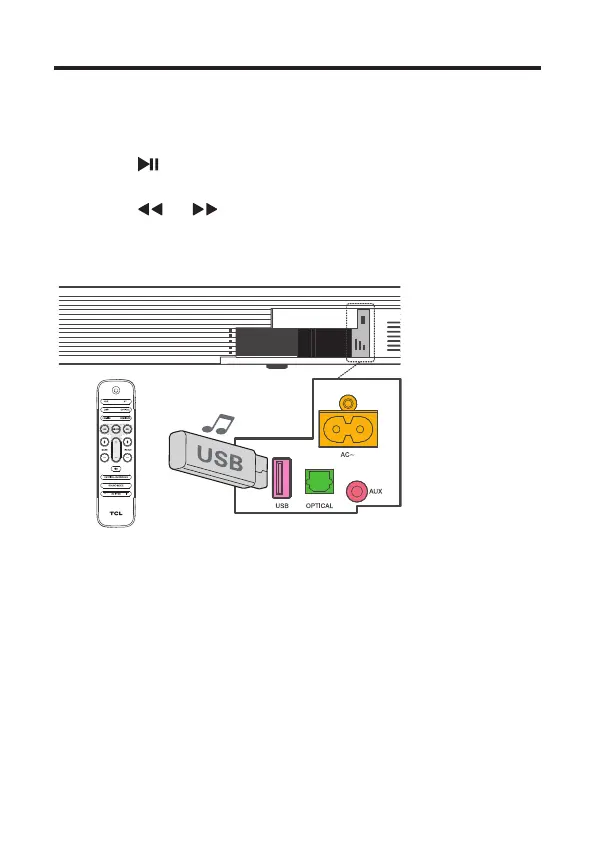
Use the USB device for music
playback
• Press /OK on the remote control to listen
to/pause/resume the music.
• Press or on the remote control to skip to the
previous or next track.
• Press + or - to increase or decrease the volume level.
Tip
• This Sound Bar can support USB devices of up to 32GB
memory and the supported le formats are MP3, WAV,
FLAC.


 To Next Page